Quick Start Guide REX 30016
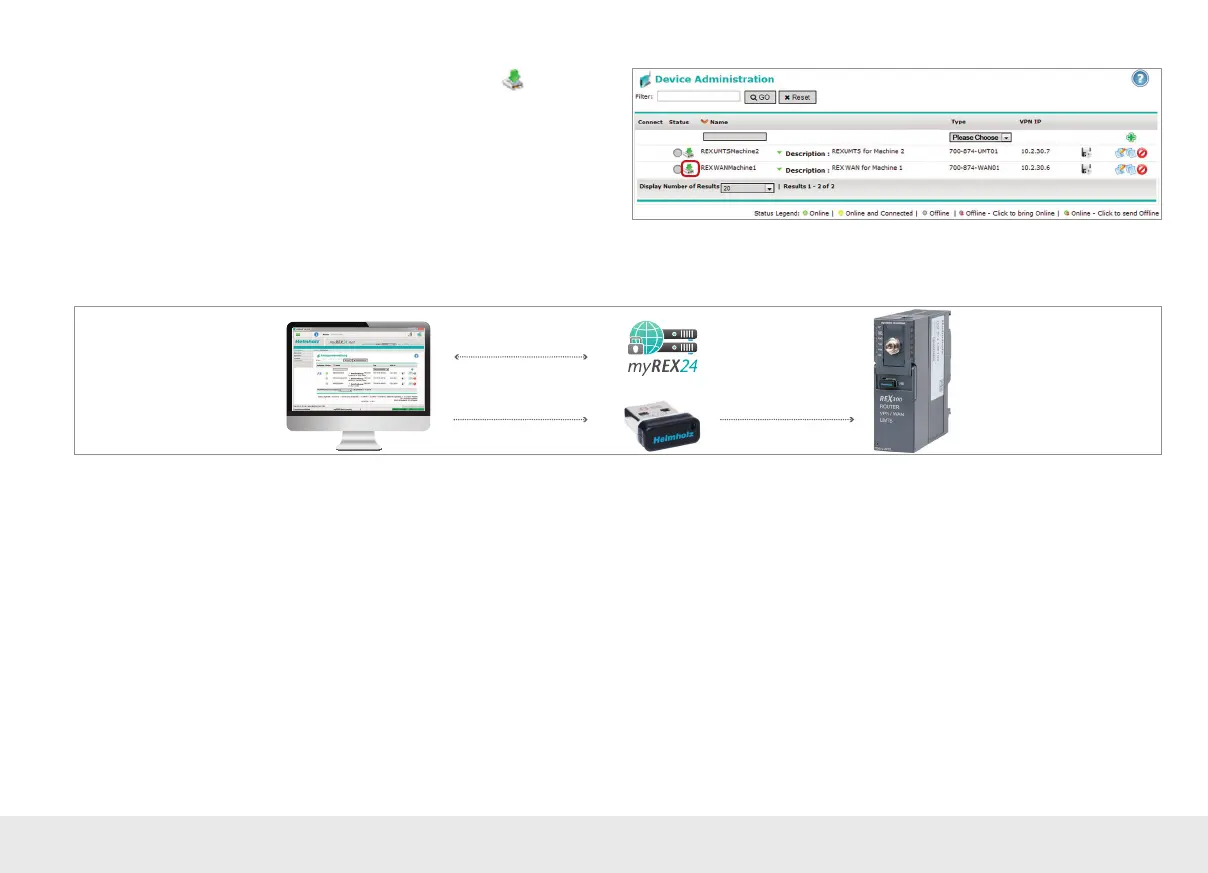
If there is a con guration ready to be transferred using the CTM, the
icon will be
shown on the “Device Administration” screen.
Note: In order to establish a VPN connection with the REX 300, please read Chapter 5 on
page 18.
4.3 Transferring the con guration using a USB ash drive
1. Create/edit and download
the REX 300 configuration
2. Store the configuration file
Use the USB-based parameter con guration method if the REX 300 router cannot be
reached either through the local network (LAN) or through the Internet.
In the myREX24 portal, go to the "Device Administration" page and select the
"Download to PC" option.
Note: The con guration le must be stored in the root directory of your USB ash drive.
In addition, no valid rmware les may be found in the root directory when carrying out
this action. A disruption of the supply voltage during the transfer can switch the router
to an unde ned status.



 To Next Page