eDriveTC User Guide
11
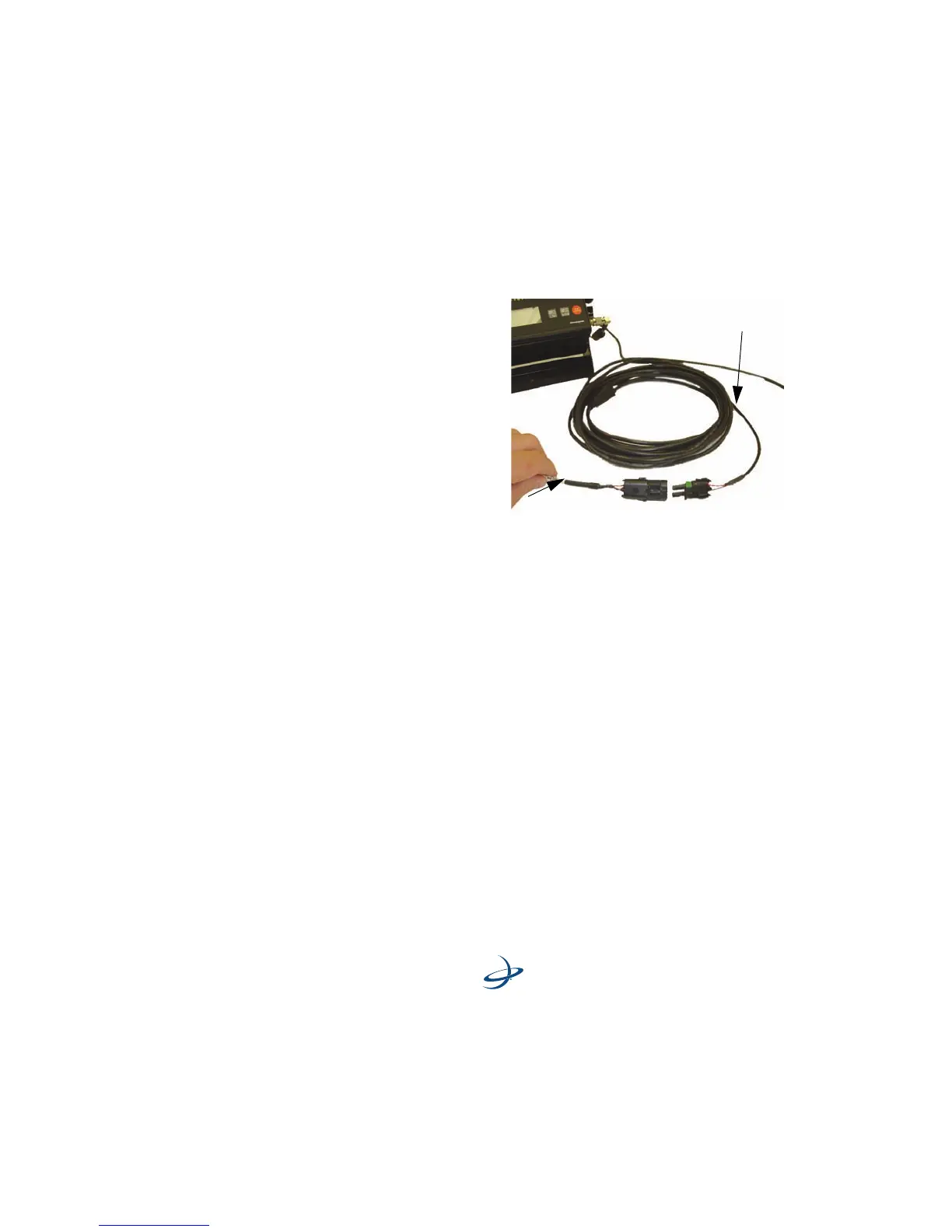
Connect CAN/Battery Cable: - Connect the CAN/Battery cable to the
CAN/Power cable.
Use this criteria when mounting the eDriveTC unit:
1. Securely mount the eDriveTC unit to the vehicle with screws on the
eDrive console flanges. (See Figure 2-2 on page 12.)
2. Have the top of the eDriveTC console face upwards according to
the “up” arrow on the console. (See Figure 2-2 on page 12.)
CAN/Power Cable
CAN/Battery Cable



 To Next Page