12
2: Getting Started
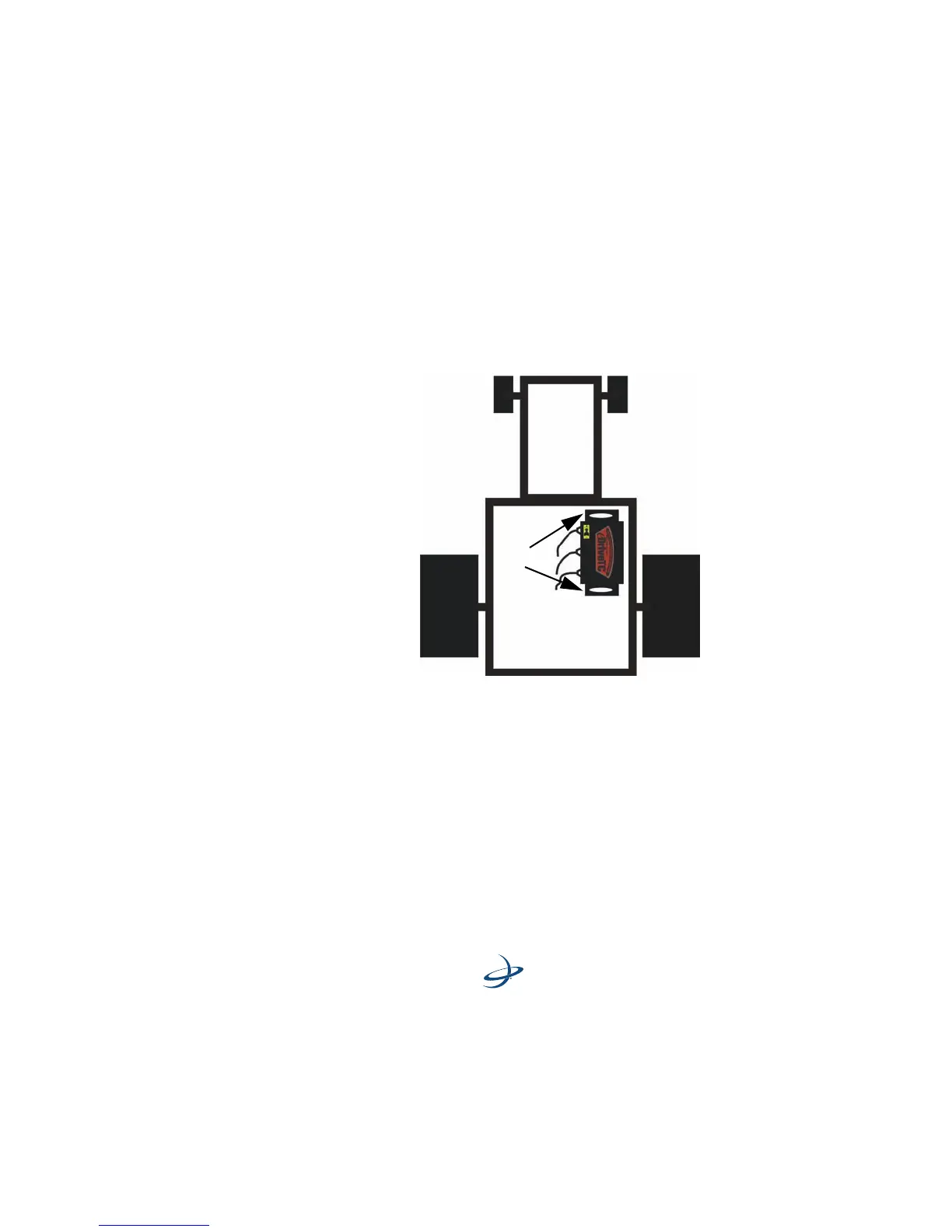
3. Ensure that the eDriveTC unit is on a surface that is level when the
machine is level with the ground. (See Figure 2-2.)
Follow the instructions on the new label with regards to the
mounting orientation. The default is to mount the eDriveTC unit
parallel to the line of travel with the connectors towards the left.
(See Figure 2-2.)
Figure 2-2. Mounting location



 To Next Page