20
2: Getting Started
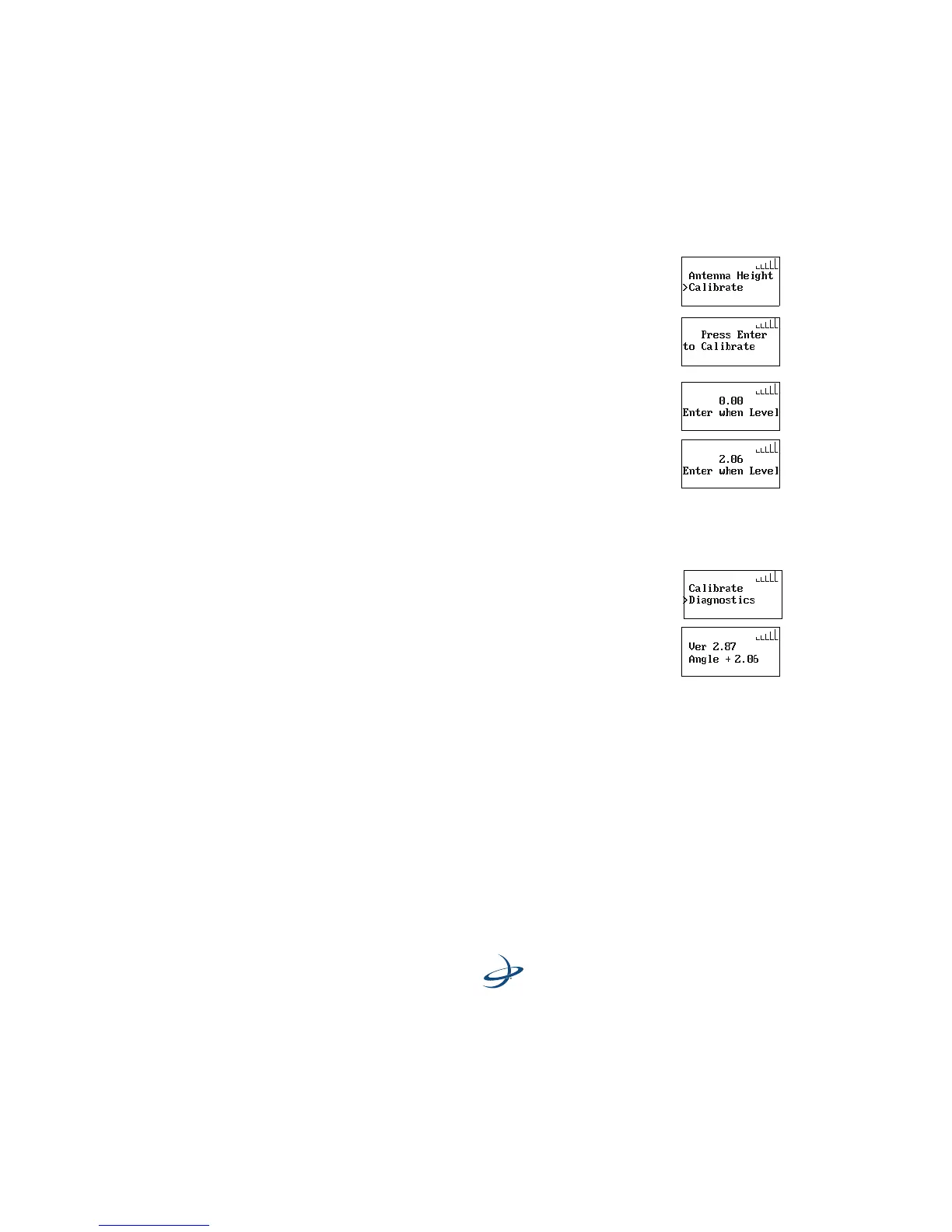
13. Scroll down to Calibrate.
14. Press the ENTER button to get to the “to
Calibrate” screen.
15. Press the ENTER button.
16. The system will function if the angle displayed
here is less than 2 degrees. Use spacers and
adjust the mounting screws to tilt the eDriveTC
console so this value is as close 0.0 degrees as
possible.
17. Press the ENTER button to calibrate the
eDriveTC unit. (This will provide the degree of
level.)
18. Scroll down to Diagnostics.
19. Press the ENTER button to show the eDriveTC
version and tilt angle. The angle value displayed
is the calibrated vehicle slope from level. The
version number is the current eDriveTC software
version.



 To Next Page