The Printer Driver 3-7
Orientation
The laser system has two modes of orientation, “Landscape” and “Portrait” mode. The
Landscape mode is the normal mode of operation. As indicated by the arrows, the landscape
mode causes the laser system to raster in the left and right direction. The Portrait mode causes
the laser system to raster from the front to the back of the laser system. One advantage to
using the Portrait mode is when using the optional Rotary Fixture later explained in Section 7 of
this manual.
Rotary Fixture
It is only necessary to use this selection if the optional Rotary Fixture has been purchased. For
full details on how to use this option, please refer to Section 7. Do not skip over to that section
until the rest of this manual, up to that section, has been read. There is important information
about the operation of the laser system that must be read before being able to fully understand
how to operate the Rotary Fixture.
Version
Clicking on the “Version” button causes the “Version” pop-up dialog box to appear. This has
information on the current driver version number as well as the drivers copyright notice.
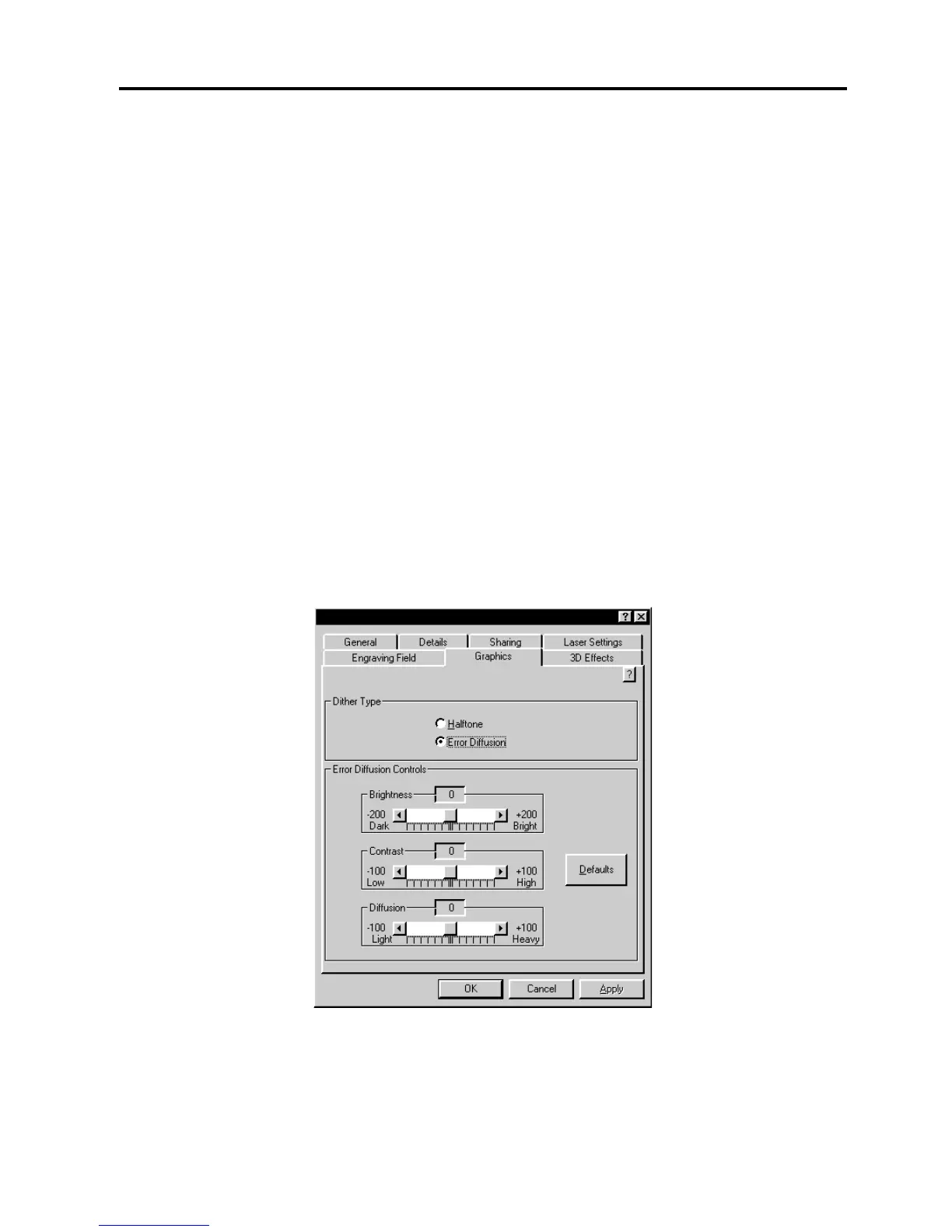
Graphics Tab



 To Next Page