The Printer Driver 3-9
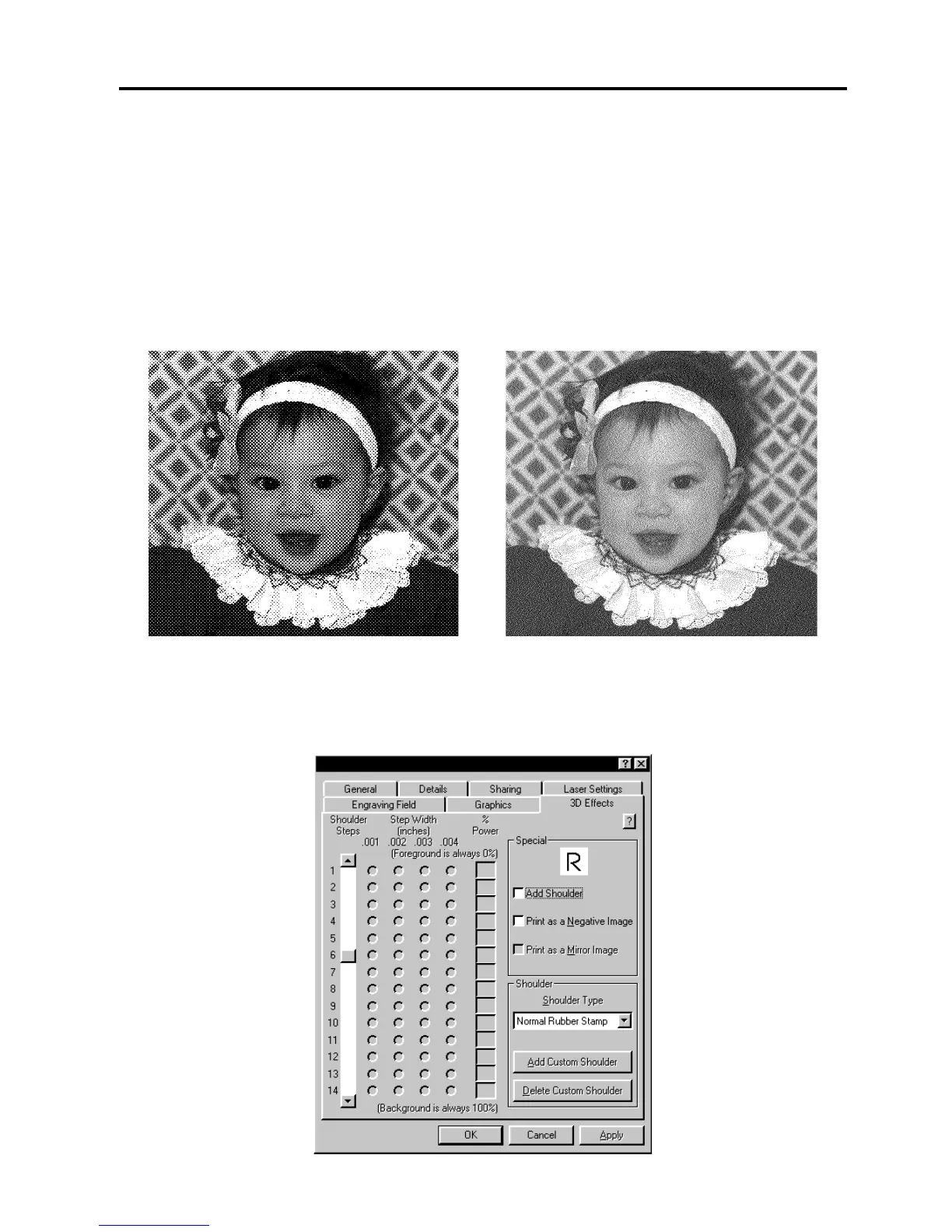
The “Error Diffusion” method should work in all software programs available because its pattern
is entirely created by the driver. However the “Halftone” methods pattern is partially created by
the driver and partially created by the software program you are using. If your software program
does not support this type of printing, then the image will look like a solid black and white image
without any dot pattern at all. If this happens, use the “Error Diffusion” selection to print the
image.
There is much more to laser engraving photographs and clipart images than stated above.
Please refer to the section on "Bitmapped Images” for a more thorough description of how to
use, manipulate, and engrave these types of images.
Halftone Screen Diffusion Dither
3D Effects Tab



 To Next Page