System Operation 5-15
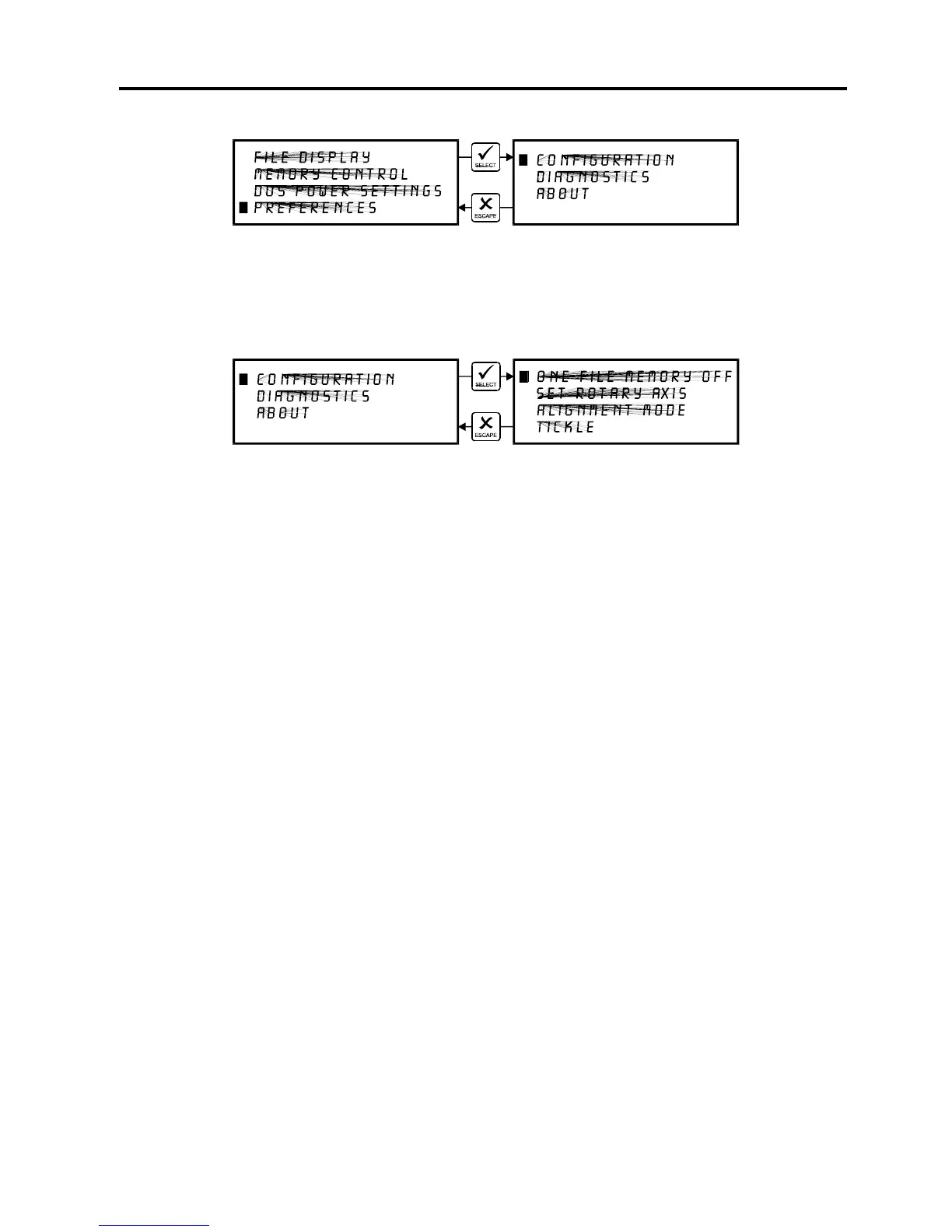
CONFIGURATION Menu
Selecting this menu will allow the reconfiguration of certain features of the engraving system
and will lead to other menu items.
ONE FILE MEMORY Menu
Pressing “SELECT” key while cursor is on this line will toggle the setting on and off. When off,
it enables the multiple file memory buffer system (default). When on, it disables the multiple file
memory buffer and stores only one file at a time. How it works when it is turned on:
When you download a file to the laser system that file will appear in the “FILE DISPLAY” menu.
Press the “START” key and run the file just as you would as if you were in the multiple file
memory mode. You can run this file as many times as you want because it remains in memory.
Now, as you download the second file, observe the display and you will see “MEMORY
EMPTY” flash momentarily and then the new file appears. Basically what has happened it that
the laser system clears out the entire memory as the new file comes in to replace the first file.
You can now run that second file as many times as you want. If you download another file, it
dumps the entire memory again and the new file becomes the only file in memory, and so on.
While in this mode, the parallel port is turned off so no new files can be received until the file is
finished running. This is to prevent the incoming file from erasing the file that is running.
Helpful Hint
You will notice that while in this mode of operation, all files downloaded will be labeled as the
#1 file in memory. This might be confusing especially if you continuously download files with the
same name. If you do this, you might question yourself whether or not you downloaded the
next file because if you look on the display, it shows the same file number and the same name
as the previous file that you ran. But if you look further, the timer will show 0:00:00 and the
“COPIES” will be 0 if the file has never run. If the file did run, the “COPIES” will be greater than
0 and the time will show the amount of time that the file took to run.



 To Next Page