System Operation 5-17
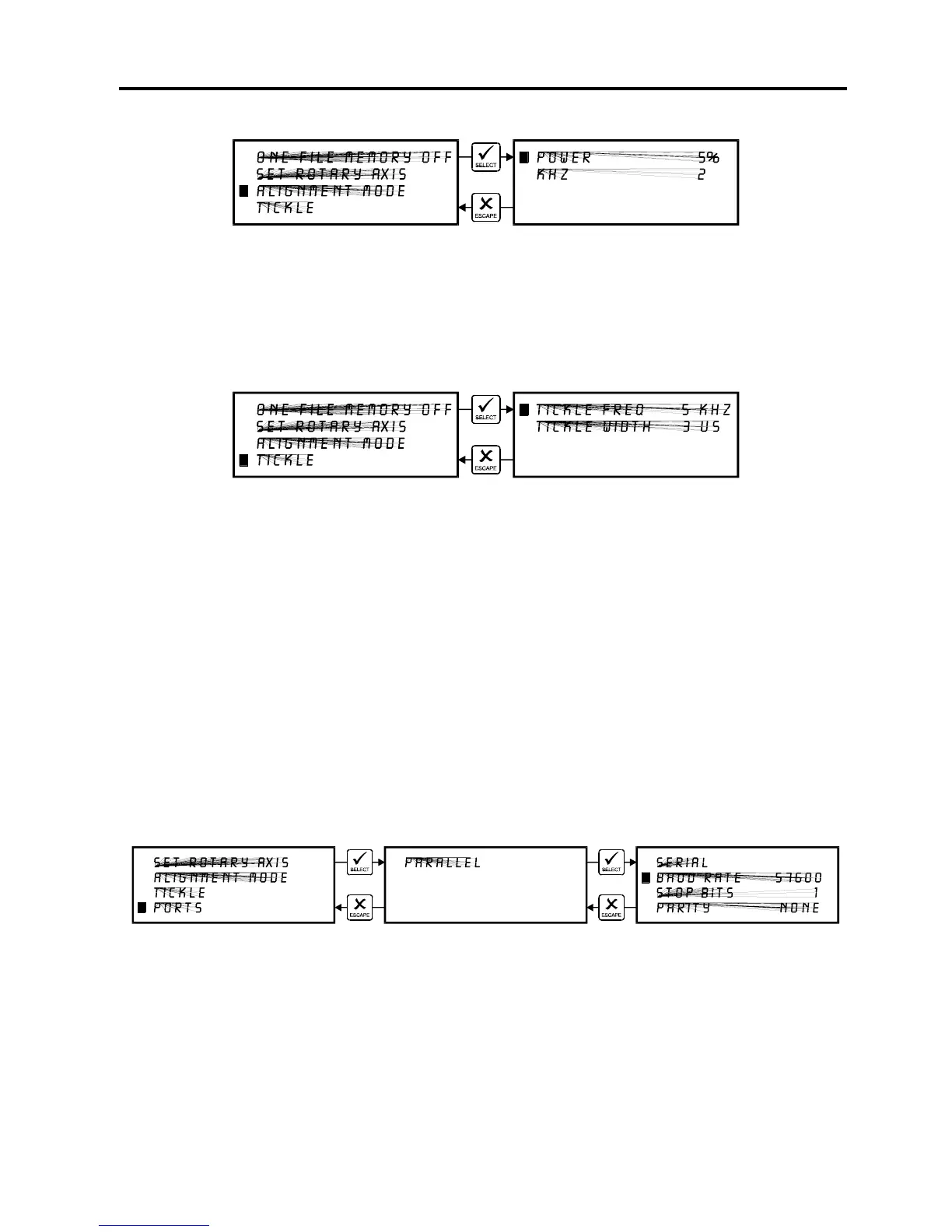
ALIGNMENT MODE Menu
This menu allows access to firing the laser beam manually to determine if the laser systems
optical alignment is correct. The factory setting is a very low power setting that is just strong
enough to check the laser beam alignment. Please refer to the maintenance section on how to
safely check the laser systems beam alignment.
TICKLE Menu
TICKLE is the term used for small pulses, which are fed to the laser to keep the plasma inside
energized. This allows the laser to respond quickly and strongly for high speed cutting and
engraving. The setting shown above is only an example. Your laser’s setting may be different.
TICKLE keeps the laser "warmed up" at times when the laser system is powered on but not
firing and the top door is closed. We suggest keeping the door closed at all times when the
laser system is powered on as this keeps the laser warmed up. If the door is open, the power to
the laser tube itself is turned off and the tube will cool down. The laser runs best after being
warmed up for 15 to 20 minutes.
TICKLE is pre-set at the factory and usually does not require adjustment. However, it is
possible that it may need adjustment after the laser system ages several years. DO NOT
attempt to adjust the TICKLE setting. Please contact our Service Department for the correct
diagnosis and corrective procedure.
PORTS Menu
Two ports are provided on the back of the system for interface with a computer, a serial and a
parallel port. Only one port can be used at a time. To activate a port, use the up and down
arrow keys to position the cursor on the menu item “PORTS” and press the “SELECT” button.
The menu that appears indicates the currently active port on the laser system. To toggle
between ports press the “SELECT” button.



 To Next Page