Description of the menu navigation and adjustment values
Betriebsanleitung_firestar_18-40_Lambda_Englisch_V1.6 19
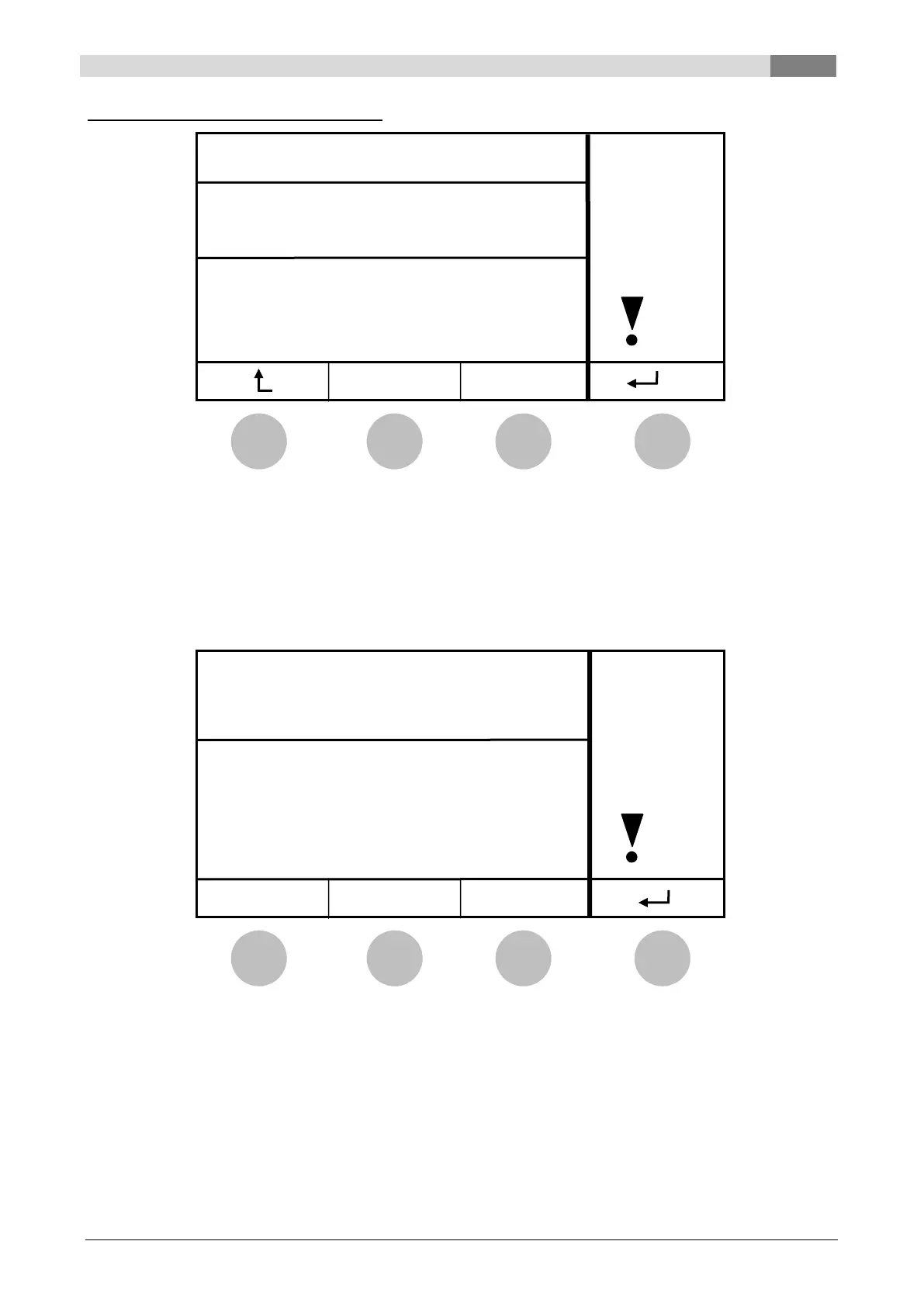
Example: Modification of parameter P02
By pressing the button:
The equipment is switched on/off
The modification is aborted
The modification is confirmed
9.1.4 Code entry (only Service)
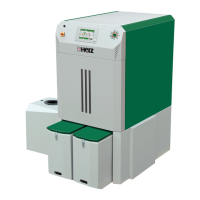
For safety reasons most of the menu items are password protected. The entry of the code is done via
Parameter P01 in the menu “PARAMETER”. When the code is entered correctly, the code is “active”. After
10 minutes of inactivity, the code entry will be automatically set to “inactive”.
By pressing the button:
The equipment is switched on/off
The first digit of the code is increased
The second digit of the code is increased
The third digit of the code is increased


 To Next Page