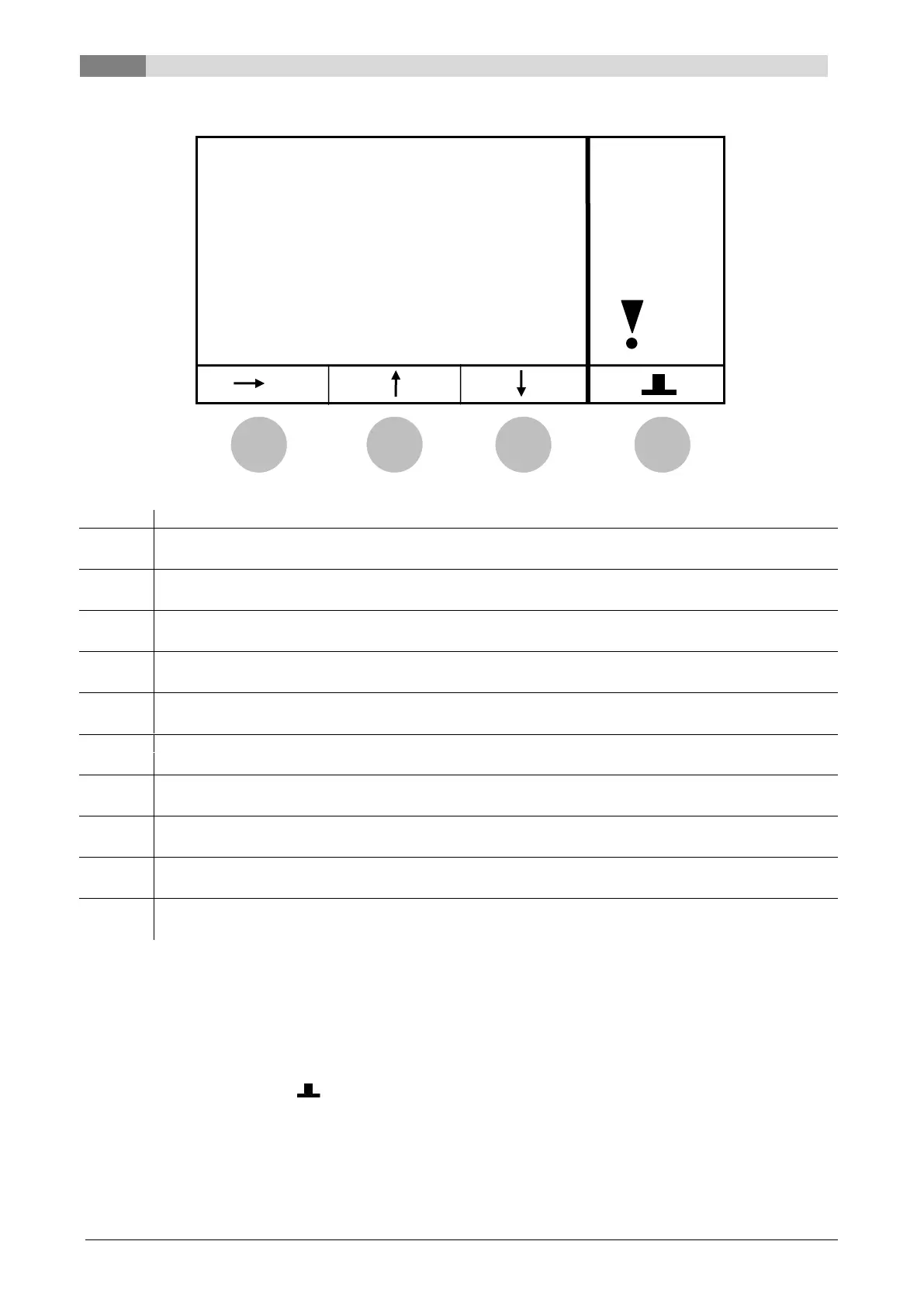
Description of the menu navigation and adjustment values
20 Betriebsanleitung_firestar_18-40_Lambda_Englisch_V1.6
9.2 Status menu (S)
Displays the boiler temperatures in °C
Displays the backflow temperatures in °C
Displays the current upper buffer temperature in °C
Displays the current lower buffer temperature in °C
Displays the current flue gas temperature in °C
ID-FAN (password protected)
Displays the condition of ID-Fan in %
ROTARY SPEED (password protected)
Displays the suction speed in %
Displays the O2 values (e.g. 90 = 9% O2)
LAMBDA HEATING (password protected)
Displays the condition of the Lambda heating
PRIMARY AIR FLAP (password protected)
Displays the actual PRIMARY AIR FLAP position in %
By pressing the button:
long: the equipment is switched on/off
brief: the fault check is started
(P) changes to the „PARAMETER“ menu
If the symbol „ “ is displayed, then the status (condition) changes into condition
CHIMNEY SWEEPER(9).


 To Next Page