36
5.2 Use
Set the PC’s IP address according to Section 2.4 Use.
Click on and select your LiDAR model to begin receiving data over
Ethernet.
Click on to pop up the “Choose Open File” window. Select a PCAP
file to open.
◼ Import a Correction File
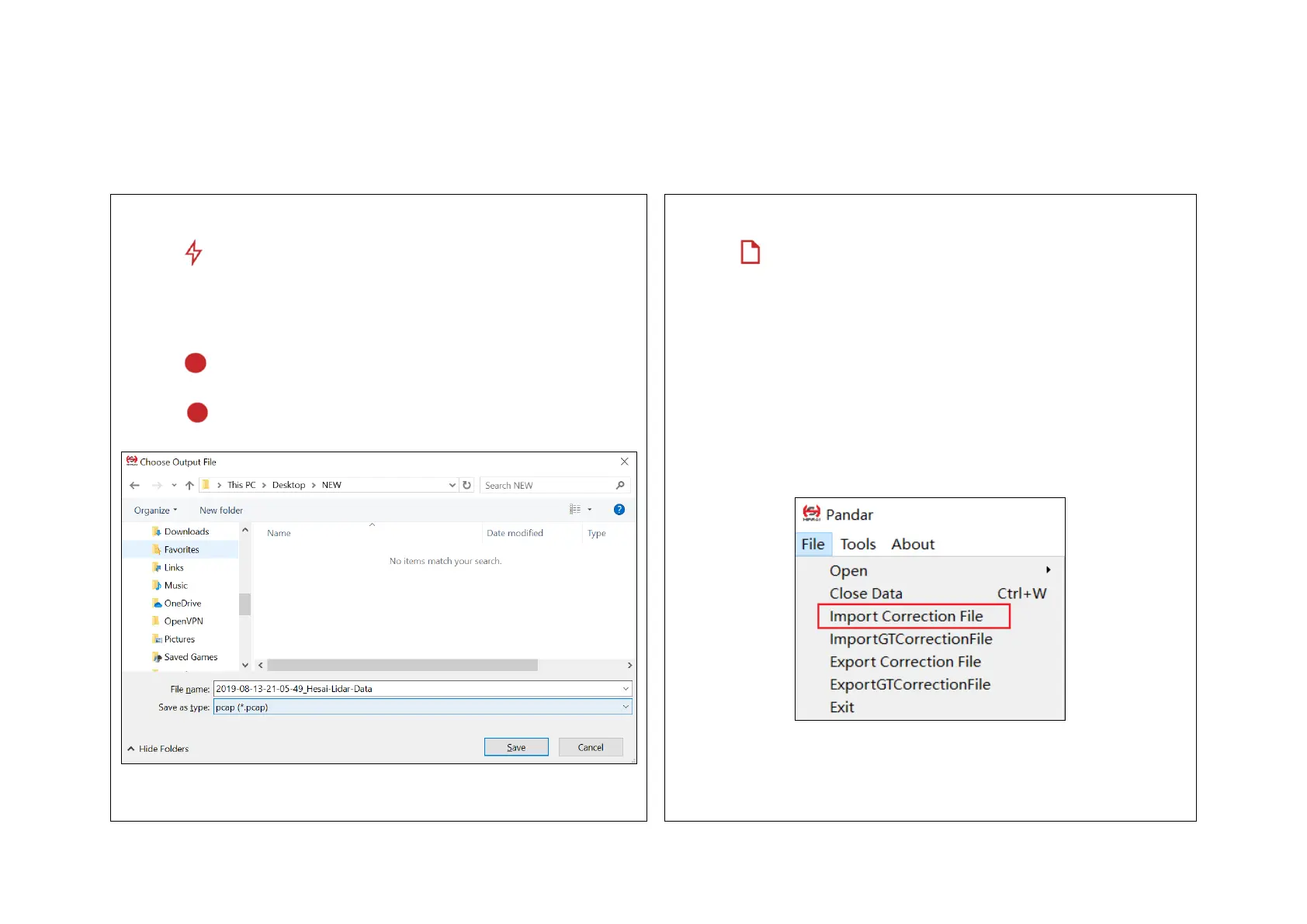
Click on to pop up the “Choose Output File” window.
Click on “Save” to begin recording a PCAP file.
Click on again to stop recording.
Each LiDAR contains a correction file in .CSV format. When opening a
PCAP file in PandarView, the correction file is automatically uploaded.
In case the correction file is lost, click on “File” in the menu bar and
“Import Correction File”.



 To Next Page
 Loading...