USER MANUAL | NOVA OCUs
34
Appendix C - Frequency Configuration
Please refer to the provided frequency lists corresponding to the specific radio modules equipped on your OCU when configuring
frequency channels and scan-groups. It is essential to ensure prior knowledge of the radio module installed on your OCU to
facilitate accurate configuration. Additionally, ensure that any changes made to the frequency configuration on the OCU are also
updated on the MCU. Ensure you always adhere to compliance requirements for the country or region in which you are operating
in to ensure regulatory compliance and optimal system performance.
C.1 Switch Definition
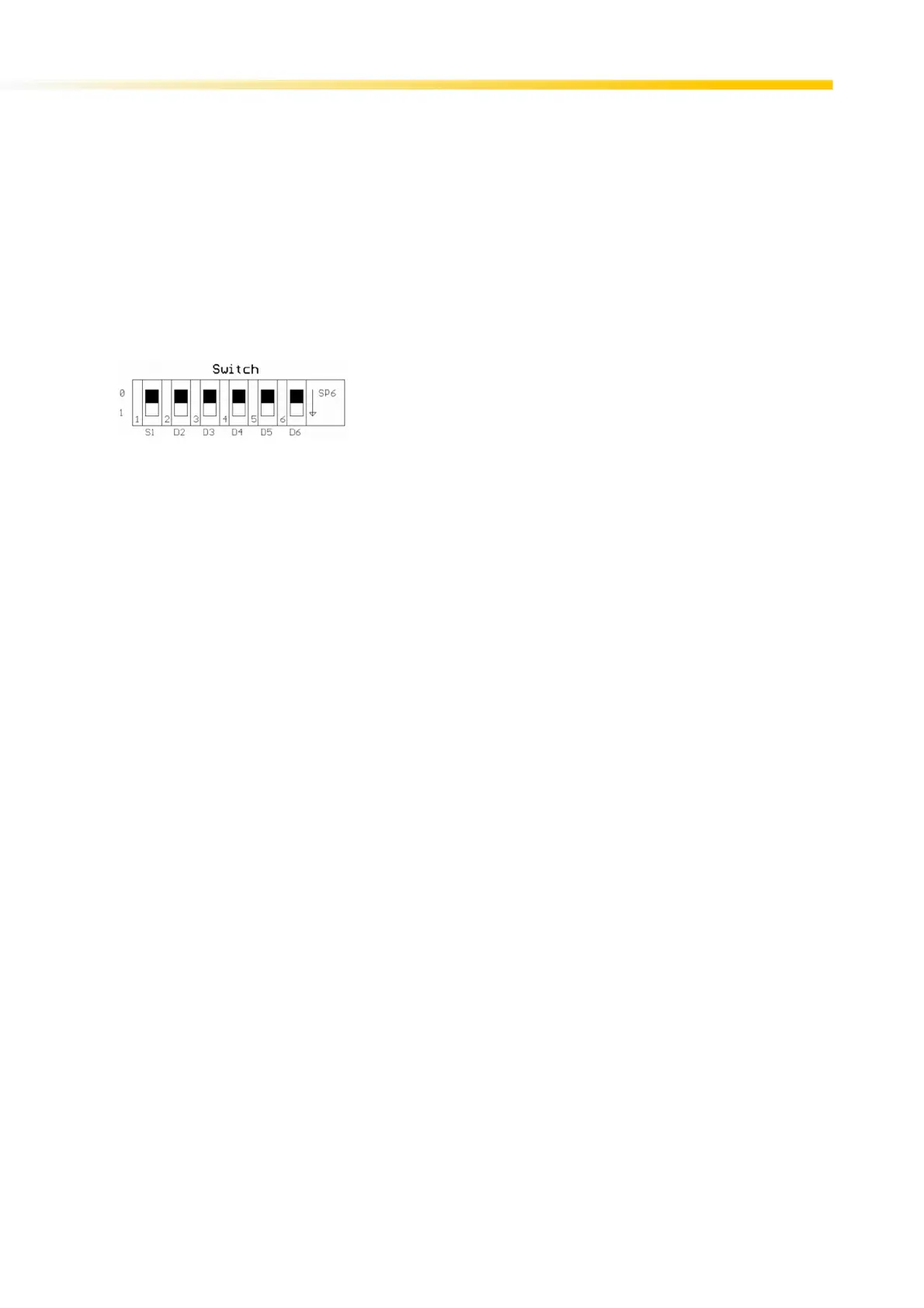
Depending on the purchased configuration, some OCU may be equipped with radio modules including a switch array that enables
manual configuration of the frequency channel over which the OCU communicates with the MCU. The same switch array allows
for frequency scan-group selection.
C1.1 Fixed Frequency Configuration
Set S1 to 0 position and configure switches D4 to D6 as denoted by the tables for the respective frequency bands in the following
sections.
C1.2 Automatic Frequency Configuration
Set S1 to 1 position and configure switches D4 to D6 as denoted by the FCS/AUTX/Scan tables for the respective frequency
bands in the following sections.
If FCS is selected Module will remember the last frequency it is set and then the frequency change is made by pushing decrement
button/ Switch For detail FCS functionality, please read description above.
In AUTX mode, the TX module will remember the last frequency and then it will automatically decrement the channel every time
it is powered On.
In both AUTX and FCS mode, decrement switch button is always active. Such that user can change frequency by pushing the
button.



 To Next Page