USER MANUAL | NOVA BATTERIES
1
MINI UCH 2 Battery Charger
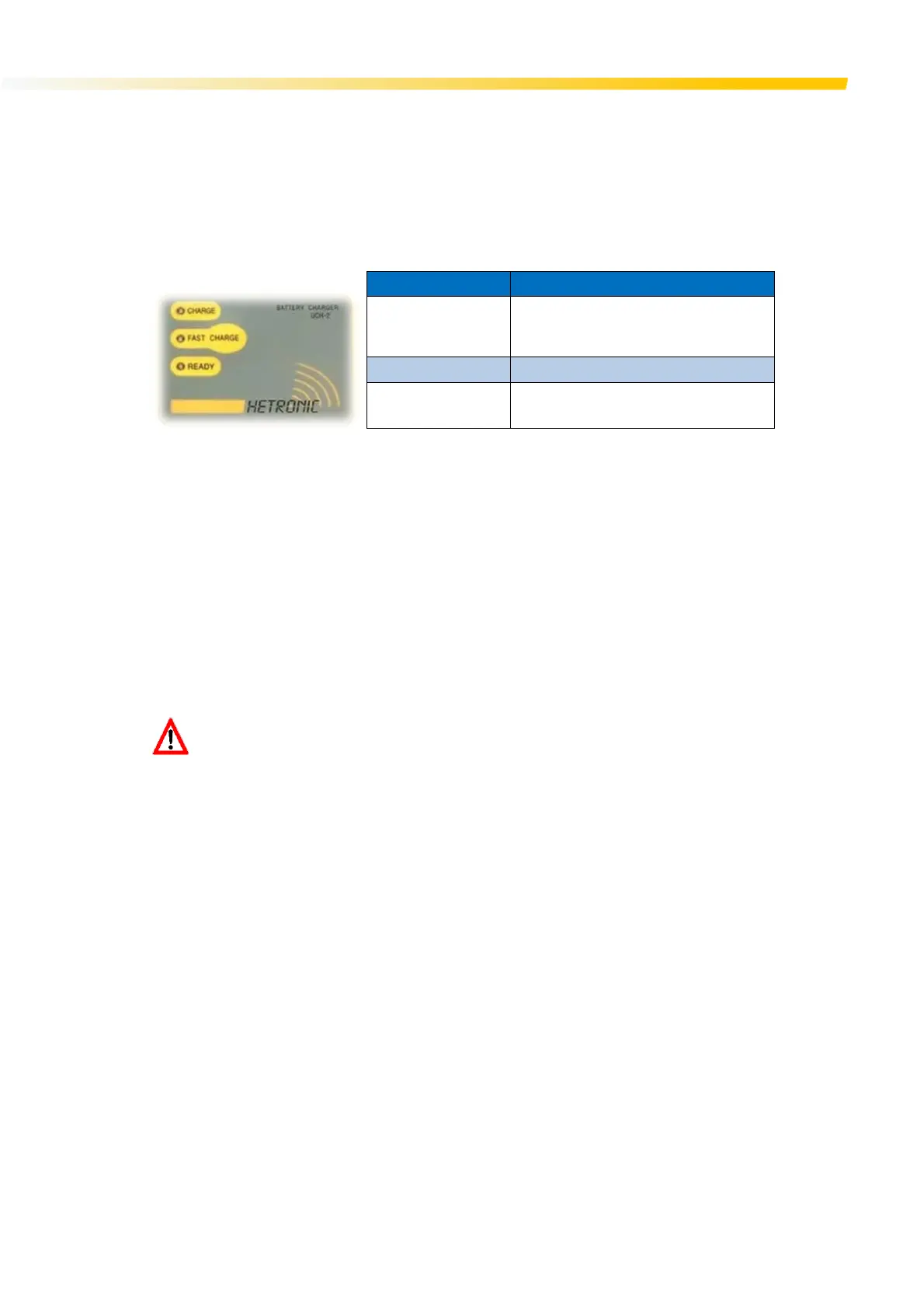
LED Indicators
The UCH 2 battery charger is equipped with three visual LED indicators to show the charger operating status.
LED Indicator Status
CHARGE
Solid yellow when charging the battery
Blinks yellow when charger detects an issue
with the loaded battery
FAST CHARGE Solid red when option is enabled
READY
OFF when battery is charging
Solid green when battery is fully charged
Charging your Batteries
Remove the battery from the OCU by lifting it up and sliding it out of the battery compartment. Slide the battery in the charging
unit until it clips in place and the yellow ‘CHARGE” LED flashes for two seconds. The yellow LED will remain ON for the whole
charging process. When the battery is fully charged, the “READY” green LED lights up and the “CHARGE” yellow LED goes off.
NOTE: If the yellow LED continues to blink after 2 seconds of inserting the battery in the charger, then the battery is defective and
must be replaced.
A fast charge option is available. This mode can be enabled by pressing the switch on the indicator panel. The switch is located
under the “CHARGE” decal symbol. When “Fast Charge” is in progress a red LED turns on together with the yellow “CHARGE”
LED. When fast charging is complete, the green “READY” LED lights up and the red LED switches off.
Leave the battery in the charger as long as required. The charger is smart enough to maintain a constant state of charge without
ever over-charging the battery.
EXPLOSIVE GASES AND FLYING DEBRIS can cause death or serious injury. Use only Hetronic
replacement rechargeable batteries. Use of unauthorized replacement batteries could cause a
battery explosion resulting in injury or death of the operator or other people in the work area.



 To Next Page