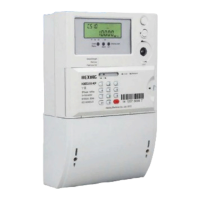
User manual for poly-phase meter
38
19 Overall dimensions and installation
19.1 Meter Connection
Please follow the instruction to arrange the wire connection:
a) Use copper cable to connect terminal block.
b) Screw out the wire-fasten screw so that the connection wires can be inserted into.
c) Remove the plastic cover of the connection wire and make sure that the exposed
wire is long enough, the recommended length is no less than 22cm..
d) Tighten the screws to fix the connection wires.
e) Check whether the connection is tight or not.
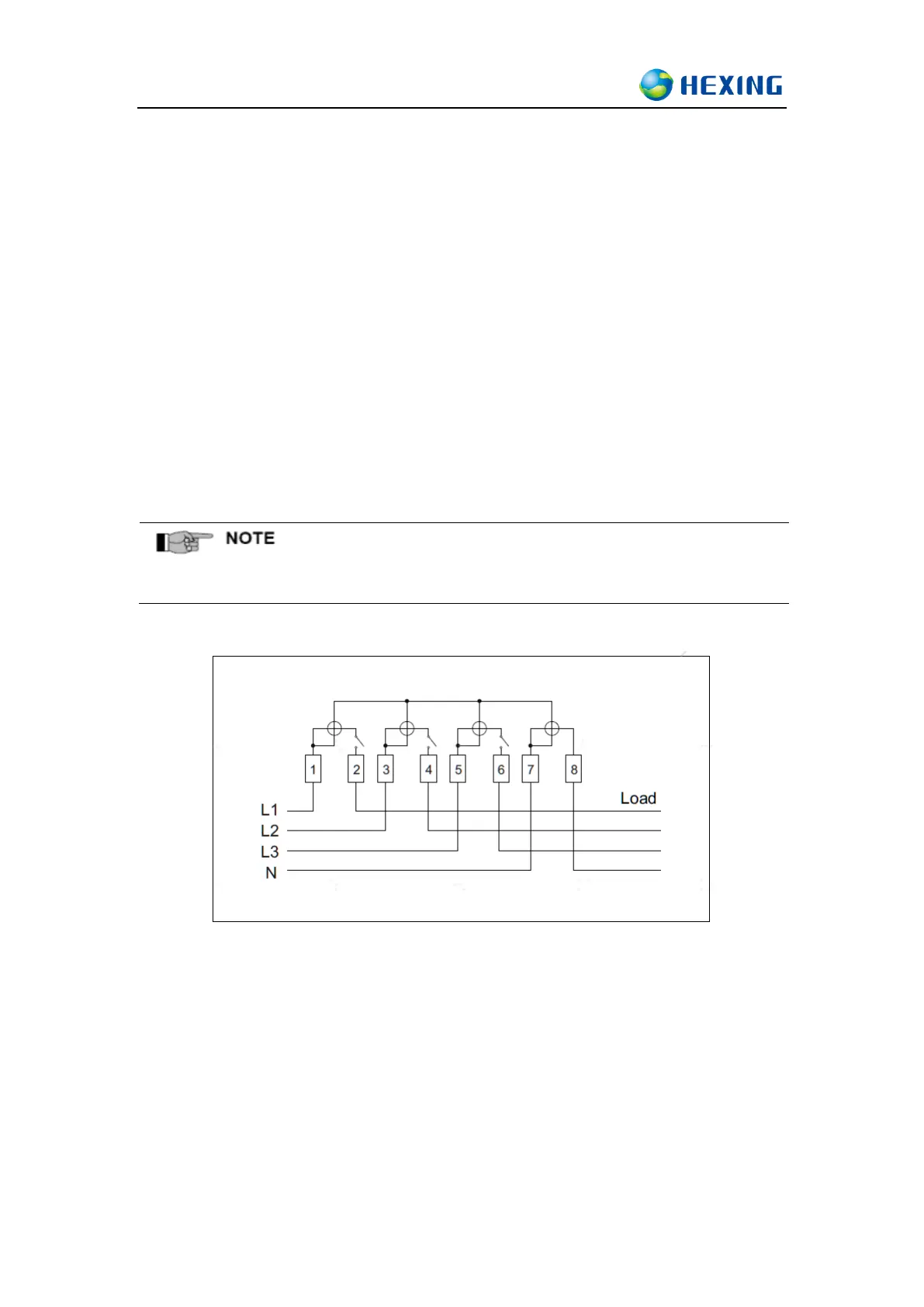
⚫ Connection Diagram:
3P4W Asymmetric Connection
⚫ Auxiliary terminal wiring diagram
◼ 20-21: Auxiliary relay/ null
◼ 22-23 : Auxiliary relay/ null
◼ 24-25 : Active Energy pulse output/ null
◼ 26-27 : Reactive Energy pulse output/ null
◼ 28-29 : M-bus/ null
◼ PORT1:P1/ null
◼ PORT2:RS485/ null
◼ 30-31:SI/ null



 To Next Page