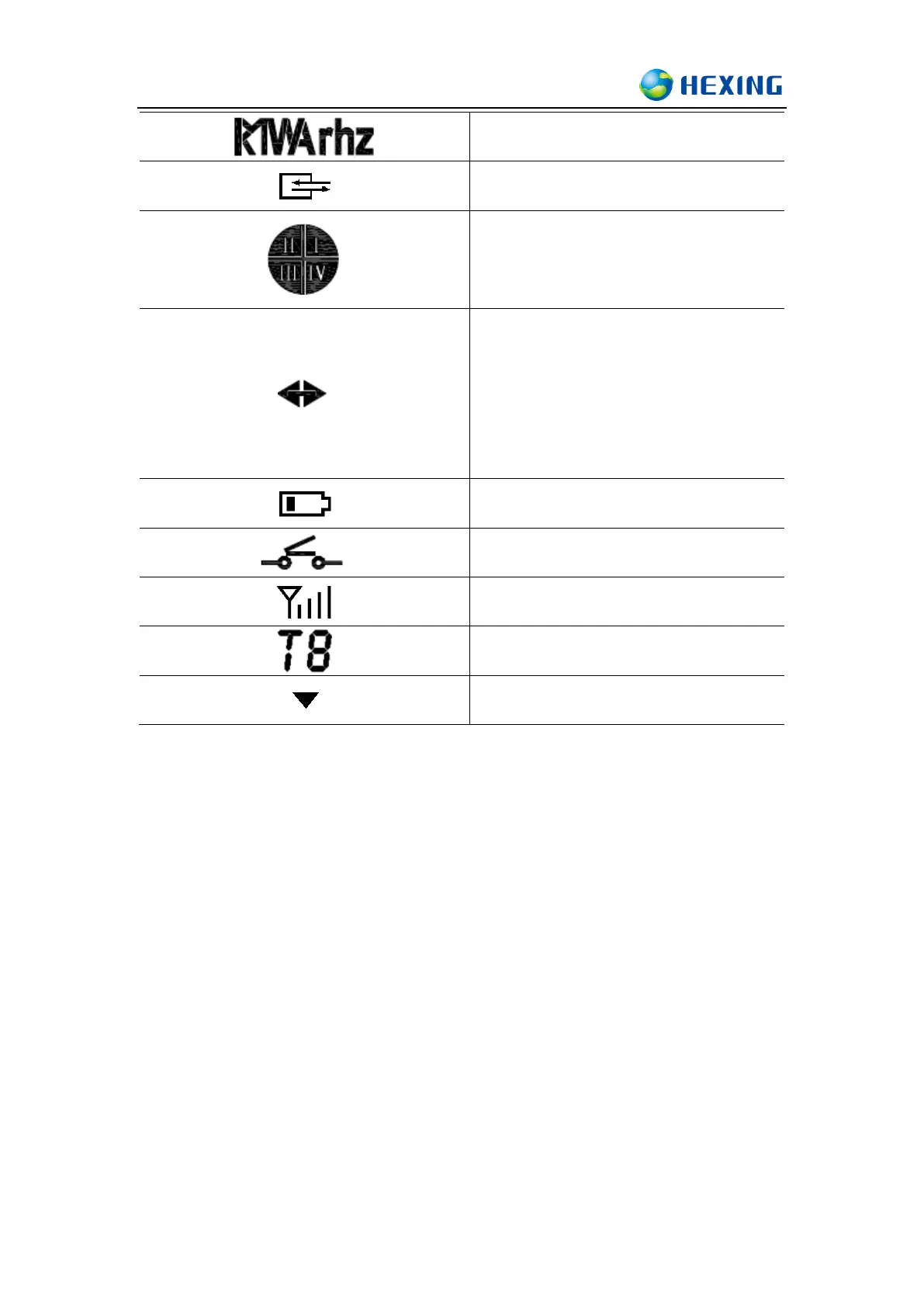
Indicate the direction of the power
1) Right arrow: Import
2) Left arrow: Export
3) No displayed or displayed as input power:
grid power on but no import
4) Not display: when voltage indicator has no
display
6.3 Display mode
This meter is design with three display modes:
⚫ Auto mode display
Meter default display mode is auto-scrolling display, the default auto scrolling
time cycle is 10 seconds. The time in each cycle is configurable between (1s-60s)
time interval. It will switch to the next screen display automatically. Auto-scrolling
display item list is also configurable with 60 items, detailed display information
please check display list.
⚫ Manual mode display
Manual display mode can be activated by pressing and holding display button, a
short and repeated press of display button will change the screen display. Meter will



 To Next Page