After complete the configuration, click ok to finish.
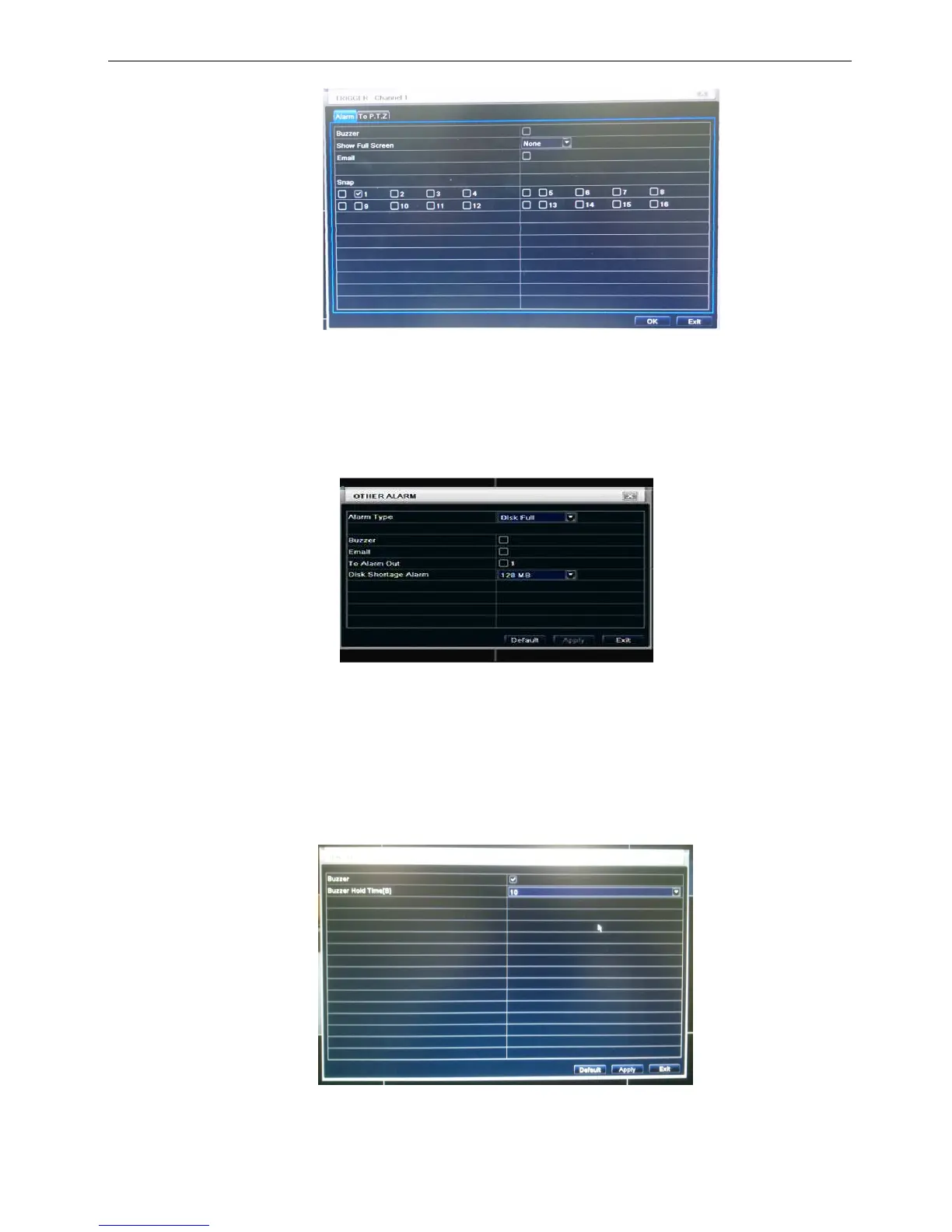
Fig 3-23 Trigger (video loss)
Step3: user can setup all channels with same parameters, tick off “all”, then to do relevant setup.
Step4: click “default” button to resort default setting; click “apply” button to save the setting; click “exit”
button to exit current interface.
3.5.3 Other alarm
Fig 3-24 other alarm
Step1: enter into system configurationother alarm; refer to Fig 3-24:
Step2: select a hard disk in the pull down list box, when the disk capacity is lower than that value, there will
appear some text information on the lower right of the live image.
Step3: click “default” button to resort default setting; click “apply” button to save the setting; click “exit”
button to exit current interface.
3.5.4 Alarm out
Alarm out includes one sub menus: buzzer
Buzzer
Step1: enter into system configurationbuzzer; (if here sets is off, all event without buzzer)
Step2: tick off Buzzer, set buzzer alarm hold time


 To Next Page
 Loading...


