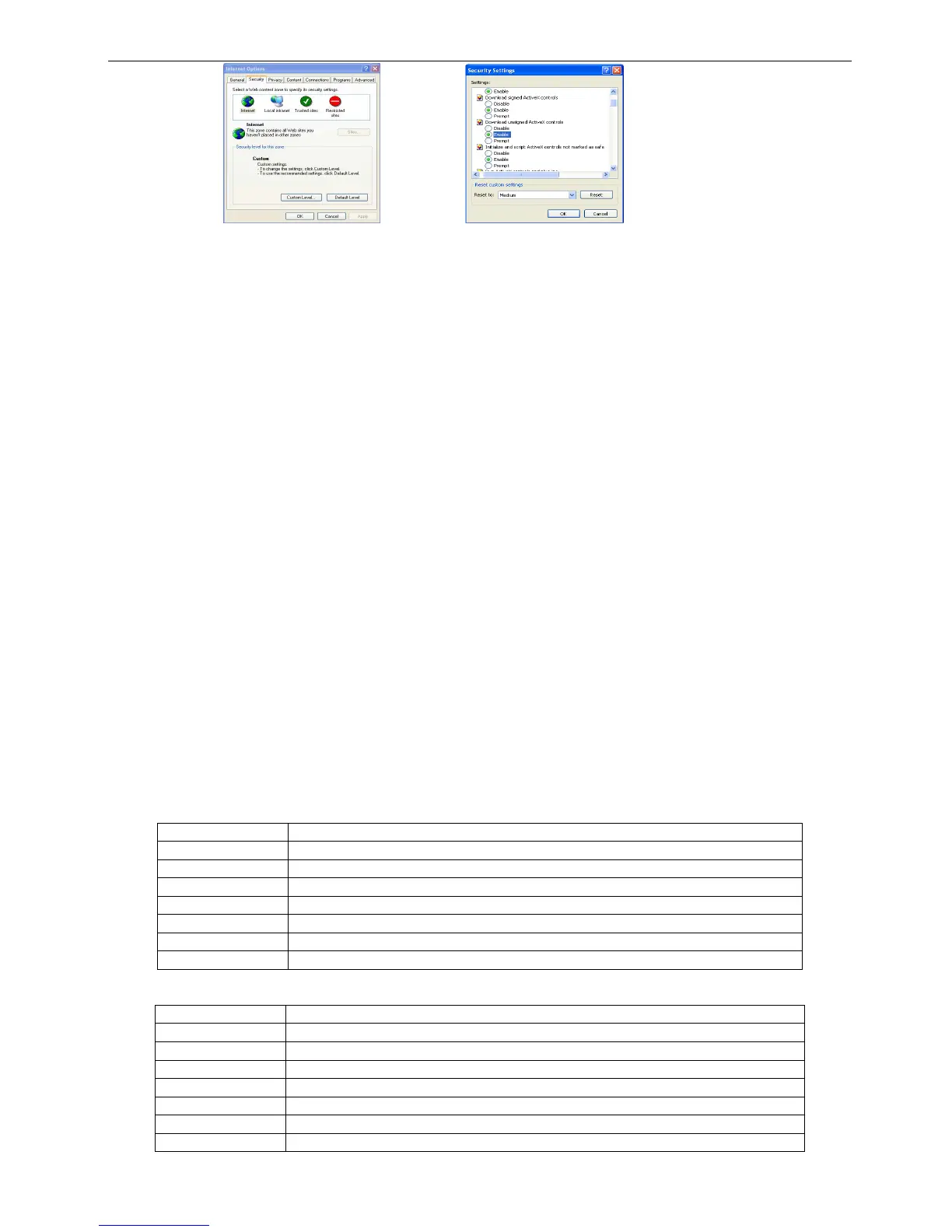
Fig7-1 Fig7-2
Q8: How to deal with when DVR starts, it displays “please wait…”all the time
First possible reason: hard-disk cable and data cable are not well connected.
Solution: Please check the connection of hard-disk cable and data cable and make sure they are well
connected; If still not working, please unplug them and then try re-plugging again;
Second possible reason: It is forced to stop because hard disk has disabled track which causes the system
checking hard disk cannot skip
Solution: Change another new hard disk or reformat the broken one
Q9: How to input password and digital numbers
The method to input password and digital numbers is to click the box behind password or items needing to
input by numbers, and then the small keyboard will appear. Please select number or letter to input (the initial
password is 123456), or you can use the digital keys in the front panel, or the digital keys on the remote
controller.
Q10: How to upgrade when added new functions or revised software
After getting the upgraded software from manufacturer, please copy it into U disk, and then select “upgrade” in
the menu. If upgrading the kernel procedure, please refer to the following method: firstly insert U disk into DVR,
and then input “adwsws” in the password of system login and the system will upgrade kernel procedure
automatically. After finished, please restart DVR to achieve.
Notice: Do not power off in the system upgrading process! Otherwise, it may cause that DVR cannot
start.
Q11: Why is the hard disk used in a DVR identified a new hard disk if directly used to another same type
DVR? And why must we format it again?
When DVR only uses one hard disk, the hard disk removed from one to another same type DVR can work
normally without format. However, when a DVR adds to a new hard disk, it will identify the hard disk as a new
one and inquire whether to format no matter whether this hard disk used or not in another same type DVR
before. In this condition, it can be used normally after formatted according to the guide; if two or more hard
disks used in different DVRs, when used in another DVR with the same type, they will be identified to be two or
more new hard disks, and all of them need to format. In general, please do not try using more disks removed
from different DVRs into another one in case the data lose.
Q12: What are the minimum configurations of PC for clients connecting?
PC Module Parameters
CPU Intel Celeron 2.4G
Motherboard



 To Next Page