2.1 Hardware structure
The product appearance is divided into three parts, including the upper cover, bottom cover and
control panel.
Figure 2-1-1 Front
2.1.1 Upper cover
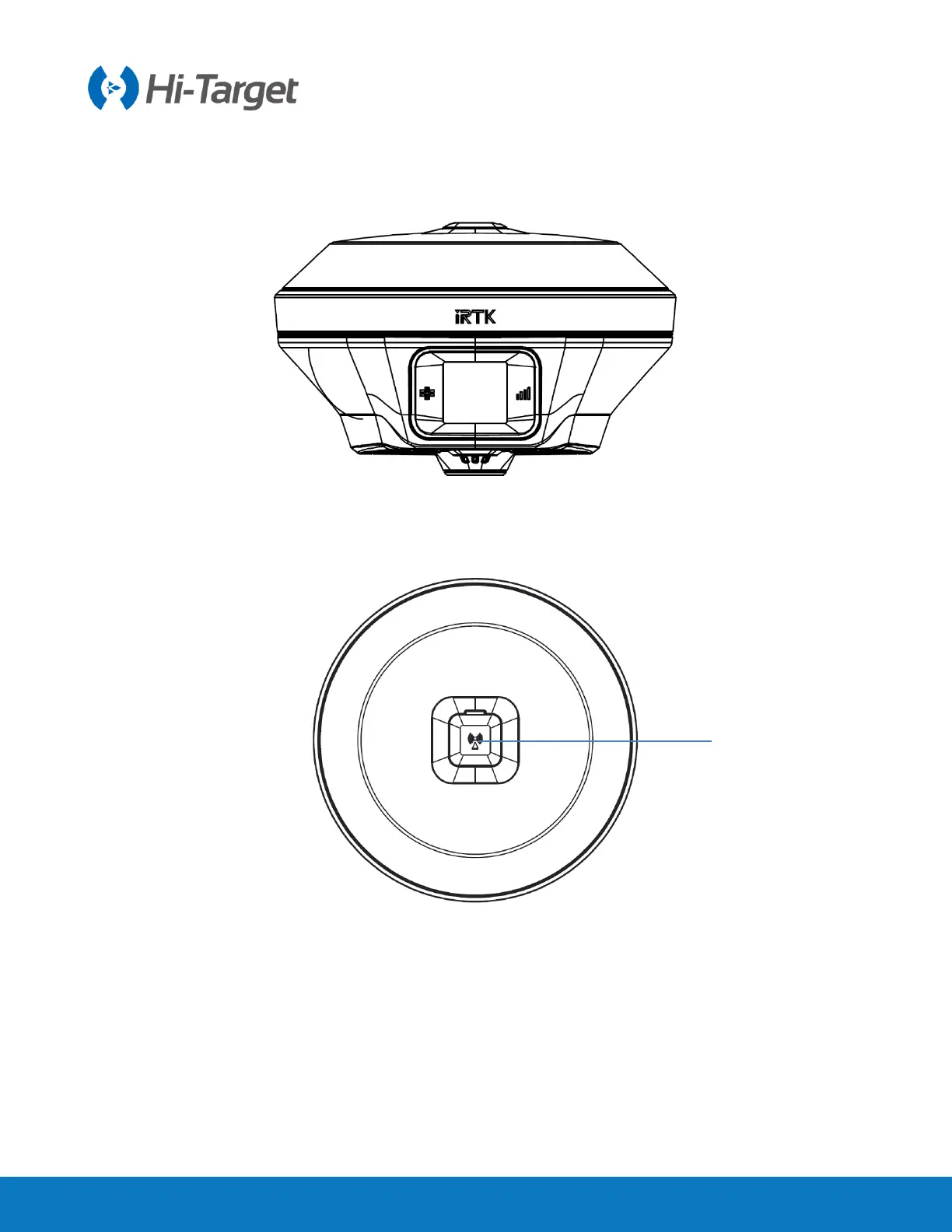
Figure 2-1-2 Upper cover
Antenna interface: connect the radio antenna while using the built-in radio mode. When using the built-
in network mode in a poor signal network environment, you can use the antenna interface to connect
the external 4G antenna (the iRTK5 has built-in 4G antenna, but you need to use the external 4G
antenna in a poor signal network environment, and choose the external antenna mode when using Hi-
Survey software or WEB interface).



 To Next Page
 Loading...




