iRTK5 Smart GNSS System User Manual
Notice:
1. If you don’t use the five-pin socket and USB interface, please cover the rubber plug
to protect from dust and water.
2. When the speaker is flooded, the sound may be silent or hoarse, but it will return to
normal after drying.
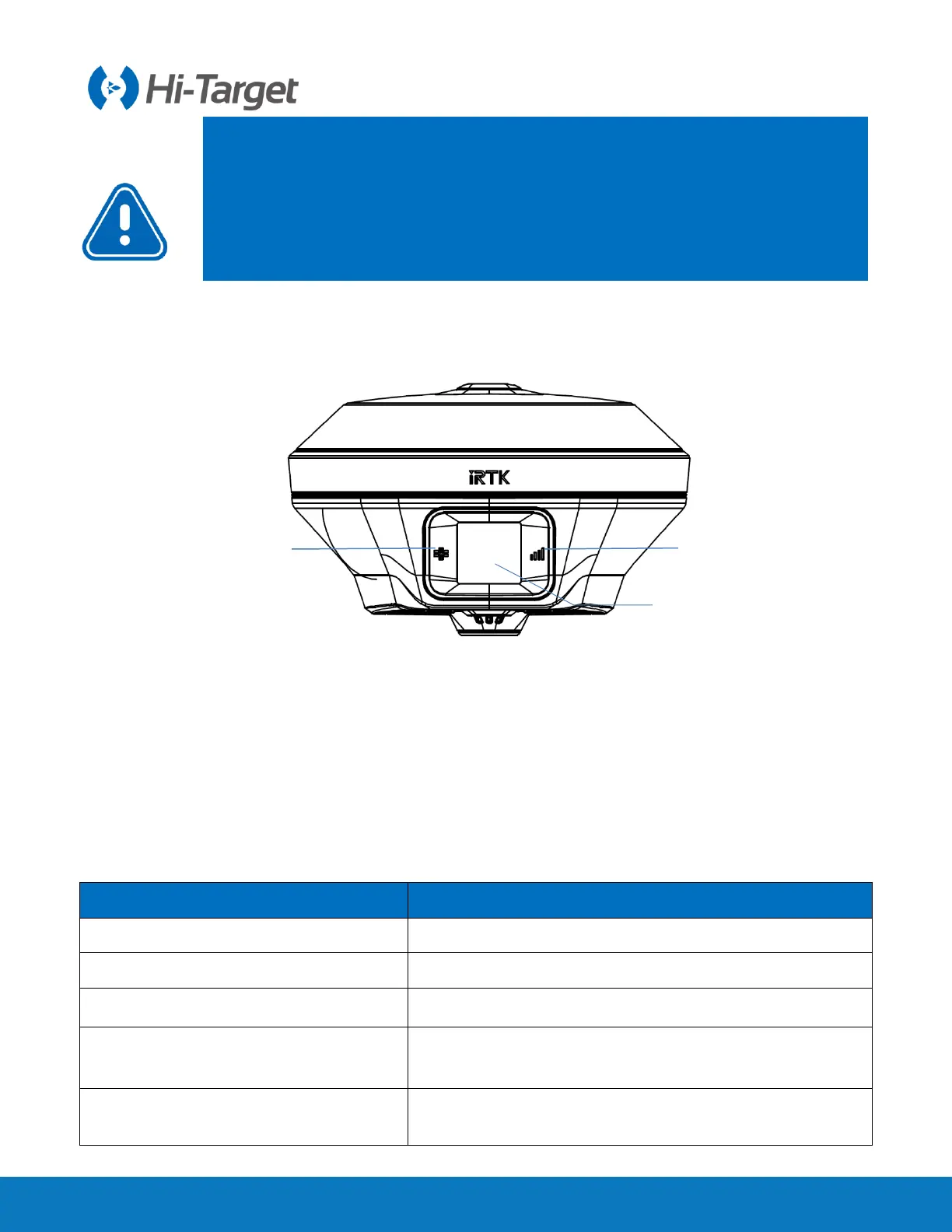
2.1.3 Control panel
Figure 2-1-4 Control panel
2.2 Button & LED
2.2.1 Button
Table 2-2-1 Button function description
Press the button for 1 second.
Press the button for at least 3 seconds.
Double click the power button to open or close the LCD display.
Forced shutdown
(Execution in case of crash)
Press the power button for at least 12 seconds.
Click the power button to voice broadcast the current working
status.
1-Satellite LED 2-Data LED 3-OLED touch screen



 To Next Page
 Loading...




