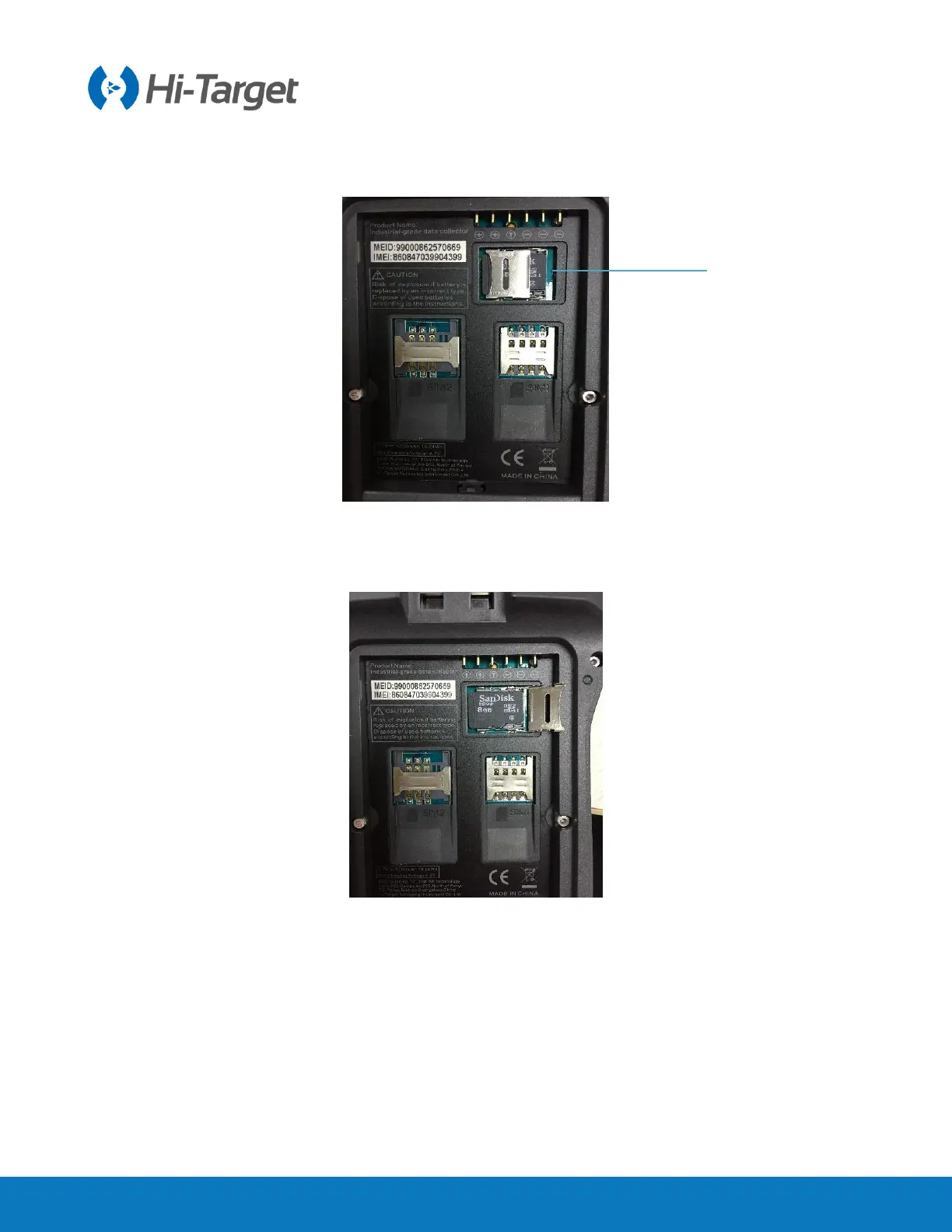
Step1: remove the battery cover, remove the battery, and expose the Micro SD card slot.
Step2: push down the metal sheet and open it.
Figure 5-4-13 Micro SD slot
Step3: Put Micro SD card into the slot (metal contact side down).
Figure 5-4-14 Installation of Micro SD card
Step4: push down the metal sheet and close it.



 To Next Page
 Loading...




