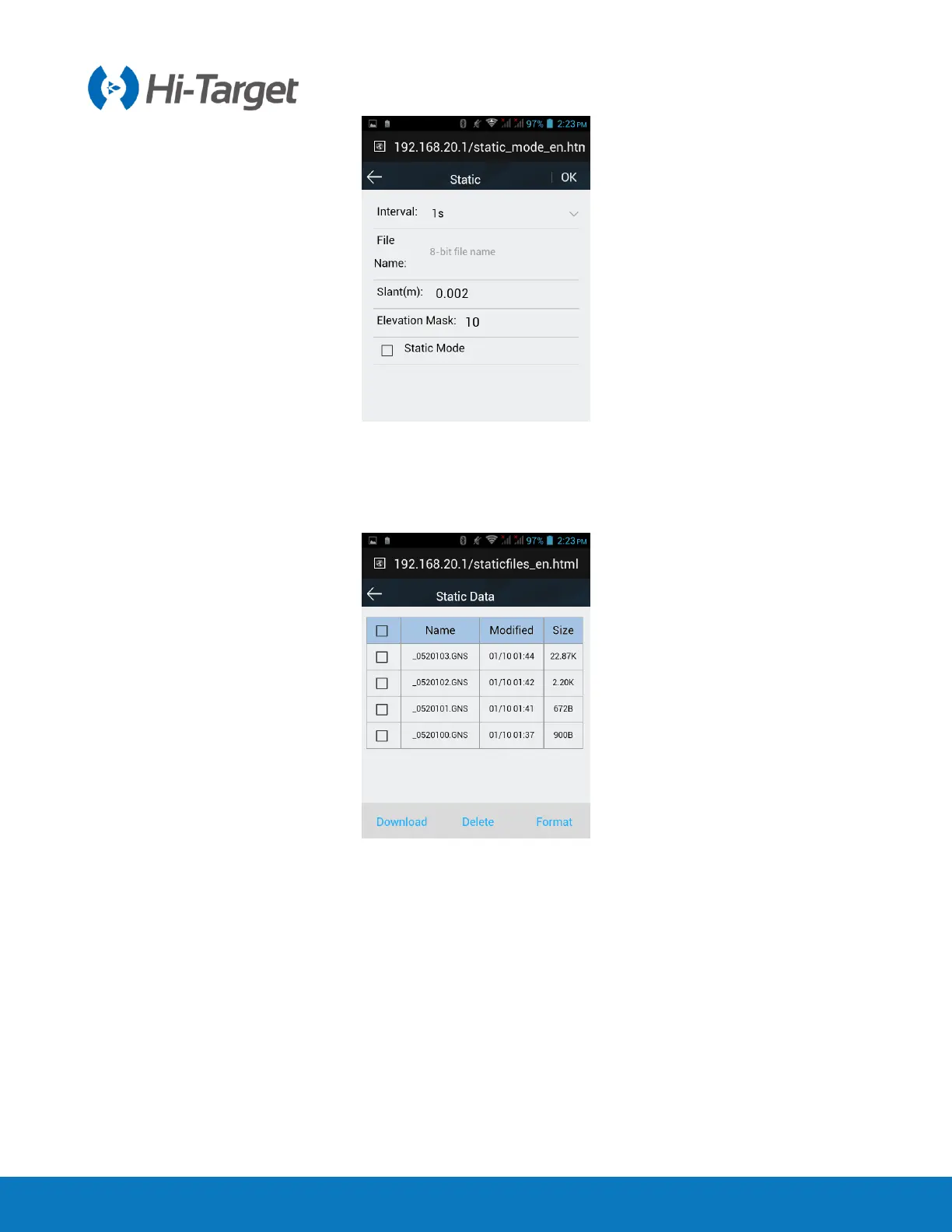
Figure 2-4-15 Static
2.4.4 File management
Static data: to show static data files - it supports Download and Delete options.
Figure 2-4-16 Static data
2.4.5 Firmware management
1. Upgrade
Display specific device version information. Click Select, choose the upgrade package, then click Start
Upgrade, the receiver will automatically detect the upgrade package and upgrade



 To Next Page
 Loading...




