11
More information about security functions can be found in the Hideez Security White Paper.
To start using the Hideez Key, the user should register it with a my.hideez.com account. After that Hideez Key
will not need Internet access. Registration prevents the Hideez Key from unauthorized connection to any other
PC/smartphones without the user account password.
The user should specify a login and password during the first Hideez Safe launch. If the My Hideez account has
not been created yet, it can be done now. To sign up for My Hideez, please click on the ‘Sign Up Now’ link,
enter your e-mail address and create a new password. The confirmation letter will be sent to your email.
Please click on the link in this message, to complete the registration.
Notice: If you forget your password you can restore it through your e-mail using the my.hideez.com service. If
you lose access to your e-mail, you will not be able to register and use Hideez Key on new devices.
8.7. Hideez Key pairing and Initialization
The Hideez Key initialization is an exchange procedure of Bluetooth channel encryption keys, as well as a
loading the user encryption key. The user's key is downloading encrypted data from My Hideez service and
cannot be intercepted.
At the same time, the Bluetooth channel encryption keys can be potentially intercepted and used for further
decryption of the data exchange. Therefore, this procedure should be carried out in a safe environment that
restricts the chance that someone is using eavesdropping equipment. In order to minimize these risks, the
power of the transmitter is reduced during of the connection initialization. That is why Hideez Key should be
placed as close as possible to the PC / phone. The channel will be encrypted and protected from interception
after the initialization is finished.
Since the Hideez Key initialization procedure uses a web service, it requires an Internet connection. After the
initialization is finished, the work without an Internet connection is possible.
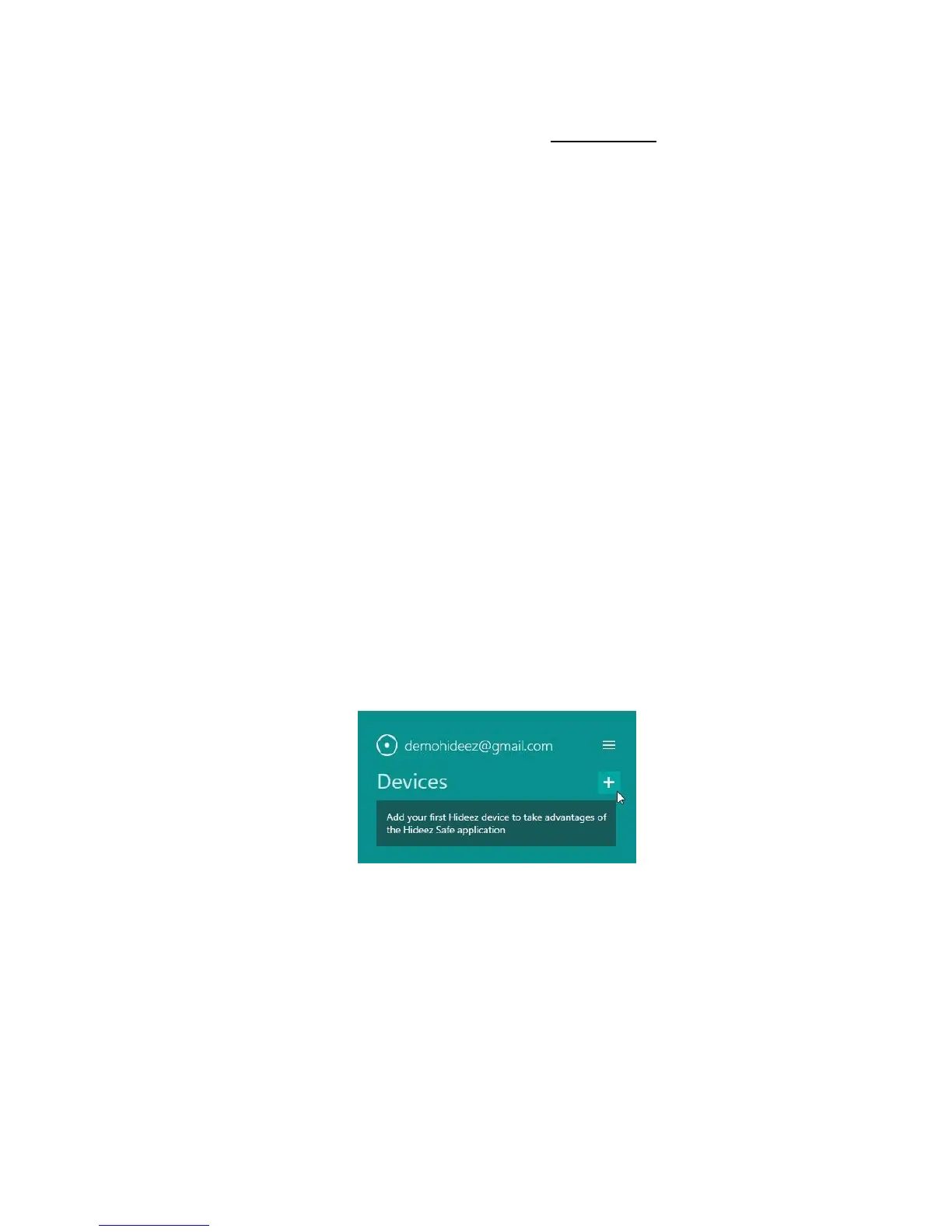
Click [ + ] (adding new devices) in the main window of Hideez Safe.
Then press the key fob’s button. The device turns on for 60 seconds and becomes visible for Bluetooth
connection (a LED-indicator flashes green slowly).
Hideez Key is seen as Hideez-XXXXX in the Bluetooth environment of your cell phone or PC, where XXXXX are
the last digits of its serial number.
After detecting the Hideez Key, please click it in the list and follow installation wizard instructions. Your
My Hideez credentials will be asked during one of these steps.
If the registration doesn't finish successfully for any reason, the key fob will turn off in 60 seconds. You will
need to remove the Hideez Key from the device list and repeat the procedure over again.



 To Next Page