27
The RFID module is commonly used for identification in access control systems. Hideez Key can work on two
different standards: HID or Em-Marine. However, they cannot be used simultaneously.
The key fob comes with a unique code that has already been put in Em-Marine standard. This code can be
replaced by any other code both in the Em-Marine and HID standard. This procedure requires special
hardware called a programmer. This equipment is supplied as a part of commercial access control systems
(ACS), or it can be purchased separately. Detailed information about these issues can be found in the
documentation for access control systems and will not be described in detail in this manual.
Note: RFID module is not compatible with NFC modules that are installed in smartphones and tablets, as it
works on another frequency.
10. Advanced Mode of Hideez Safe for Android
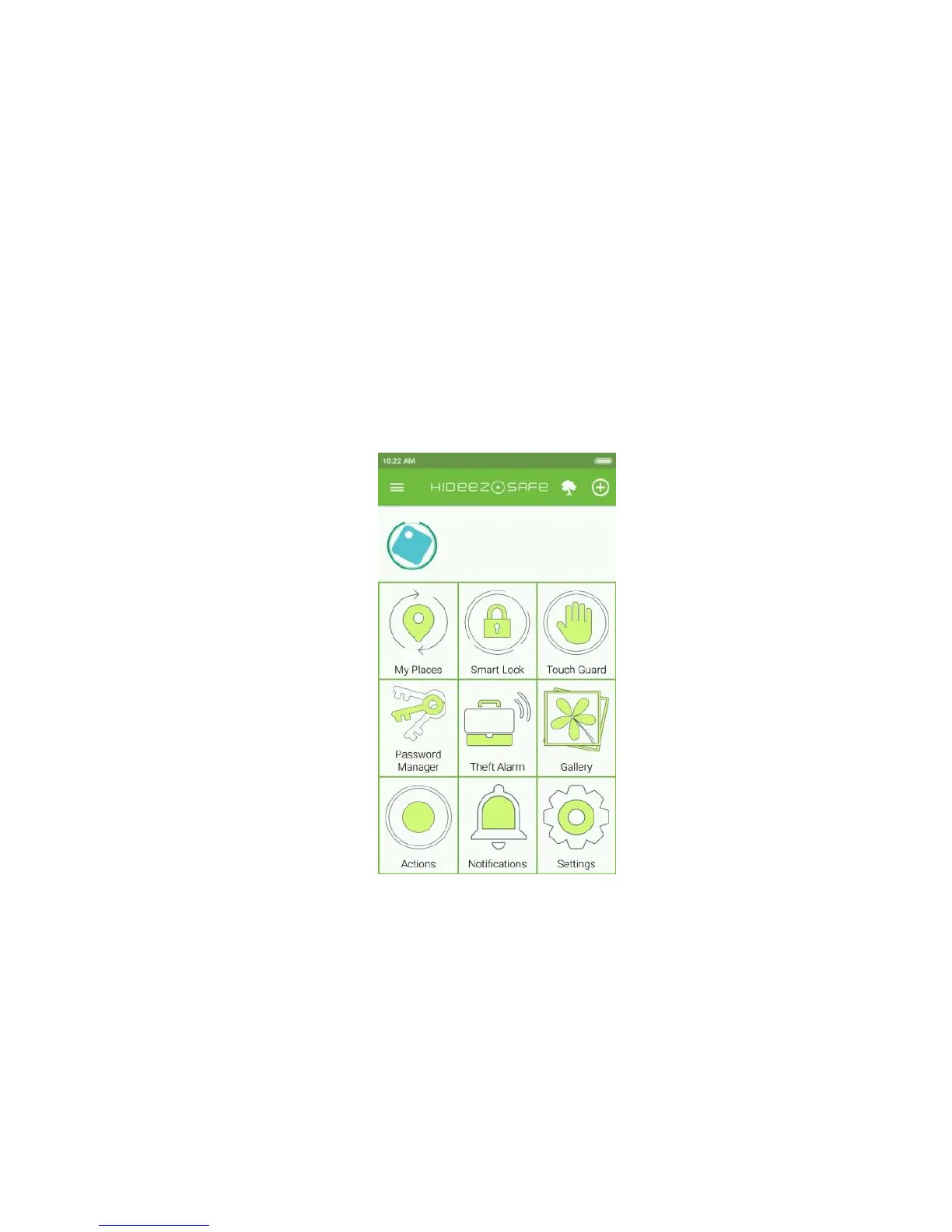
Some Hideez Safe functionality is hidden and appears only in Advanced Mode. To turn this mode on, go to
Settings and turn on the appropriate switch. The layout of the Main Menu will be changed to include the new
items that will be added.
10.1. Touch Guard
Hideez Safe for Android can take a series of photos when somebody picks up an unattended paired device.
Photos will be taken under the following conditions:
• Touch Guard mode on the paired device is on, but in standby.
• Hideez Key is connected to the paired device and RSSI is lower than defined in the settings.
• The accelerometer is activated (i.e. paired device changed positions).
Using the “Touch guard” menu you can define the camera that should be activated (front, rear, both), the
shooting cycle, and profiles for using this mode.



 To Next Page