42 - 60
7.4.3 Electrical connections on the panel
X1 TERMINAL BOARD
This terminal block is for the power supply of the unit:
- For the 40-50-60-70-90-11-160-190 models connect phase, neutral and PE
- For the 210-230-300 models connect the 3 phases, neutral and PE
Check the correct sequence of phases (210 - 230 - 300 models only).
Be careful to connect the phases in the correct sequence.
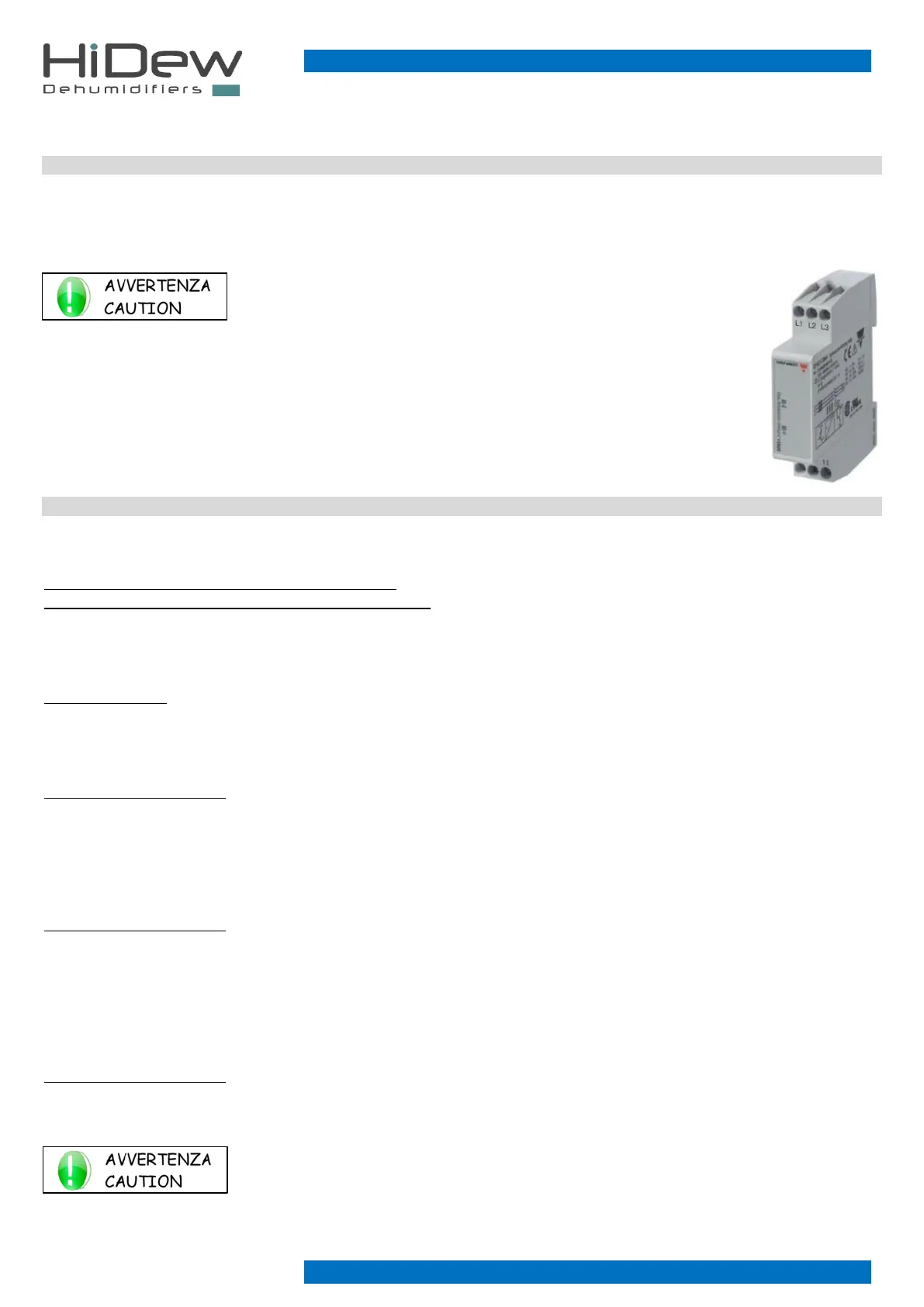
It is possible to check the correct phase sequence by means of the special relay
mounted in the electrical panel. There are two signalling LEDs on the phase
sequence relay. When the green LED is on, it indicates all three phases are
present. If it is not on, check that to see if the line of one of the three phases has
been interrupted. When the yellow LED is on, it indicates that the phases are in
the right order. If it is not on, check that the sequence of the phases is correct.
X3 TERMINAL BOARD
The 101 - 102 terminals are for the alarm signalling of the unit, it is possible to connect an indicator light or to connect to a control
unit of the system. To activate the contact, follow the procedure in paragraph 7.4.1.
In the case of DDS/DCS models the command is in 230V (not available with hot gas option)
In the case of DVS/DOS models, connect only a clean contact
The 103 - 104 terminals are for connection of a zone head, a water valve or a water pump (max 1A) to control the water supply to
the unit. For devices with consumption over 1A, insert a power relay.
The drive is in 230V.
The 105 - 106 terminals are for remote, connect a contact from a switch or a control unit to control the switching on of the unit
remotely.
Only connect a clean contact
- contact open → unit off
- contact closed → unit on
The 107 - 108 terminals are for dehumidifying on/off, for connecting of a contact from a switch or from a control unit to control the
activation of remote dehumidification.
Only connect a clean contact
- open contact → inactive dehumidification request
- closed contact → active dehumidification request
The 109 - 110 terminals are for on/off heating, connect a contact from a switch or a control unit to control the activation of the
heating from remote.
The contact only works if the hot water coil option with valve or the electric resistance option has been purchased
Only connect a clean contact
- open contact → heating request inactive
- closed contact → active heating request
In addition to the electrical wiring, the on/off contacts (remote - dehumidification - heating) must be
set on the terminal during the first start-up and, if necessary, it is possible to reverse the logic of each
contact. Refer to the relevant paragraph.



 To Next Page