10
Section 2: Setting up the software for Windows Platforms
Driver Installation
Drivers provide a way for your operating system to communicate with your new
hardware. Updating to the latest available driver ensures your product benefits from
the most recent performance, stability, and compatibility improvements. Drivers are
updated regularly at www.highpoint-tech.com
1. Obtain the latest driver software for the RocketStor 6628A from our website:
http://highpoint-tech.com/USA_new/series-rs6628a-download.htm
2. Take note of the location you downloaded the driver file to and open Windows
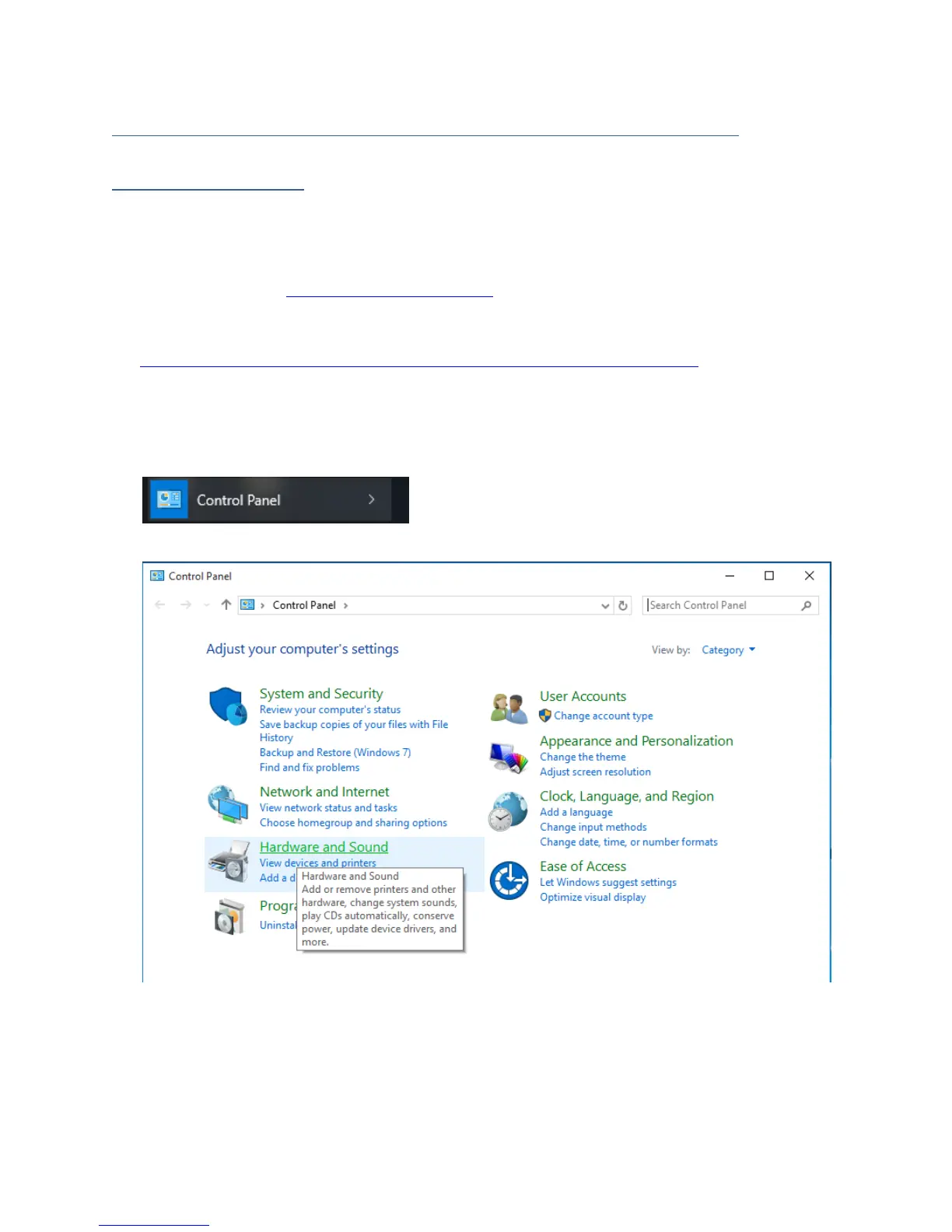
Device Manager.
3. Click Start
4. Click the search filed and type Control Panel.
5. Click Hardware and Sound



 To Next Page