13
Checking your Driver Version
To check if the driver was installed successfully follow the instructions below. The
same procedure can be used to determine your driver version.
1. Click Start
2. Click Control Panel
3. Click Hardware and Sound
4. To the right of Devices and Printers, Click Device Manager
5. Note: Alternatively, you can search Device Manager using your start menu search
bar.
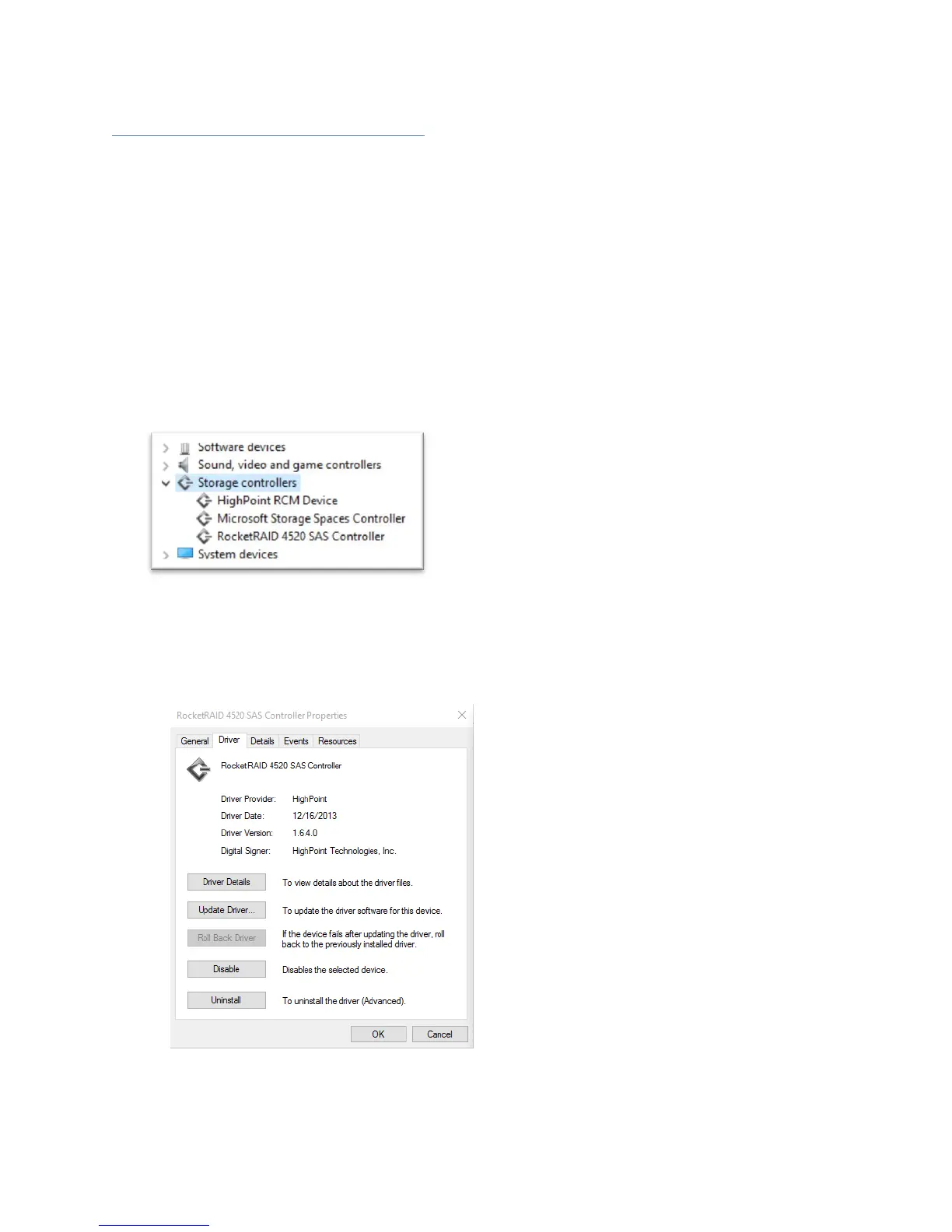
6. Click the Storage controllers tab:
If the driver is installed, it will show RocketRAID 4520 Controller.
If the driver is not installed, it will be located in Other devices as a RAID
Controller
Click Properties, then click the Driver Tab to check the version:
Figure 1.Driver version 1.6.4.0 for a RocketRAID 4520



 To Next Page