8
Section 1: Hardware Installation
Hardware Overview
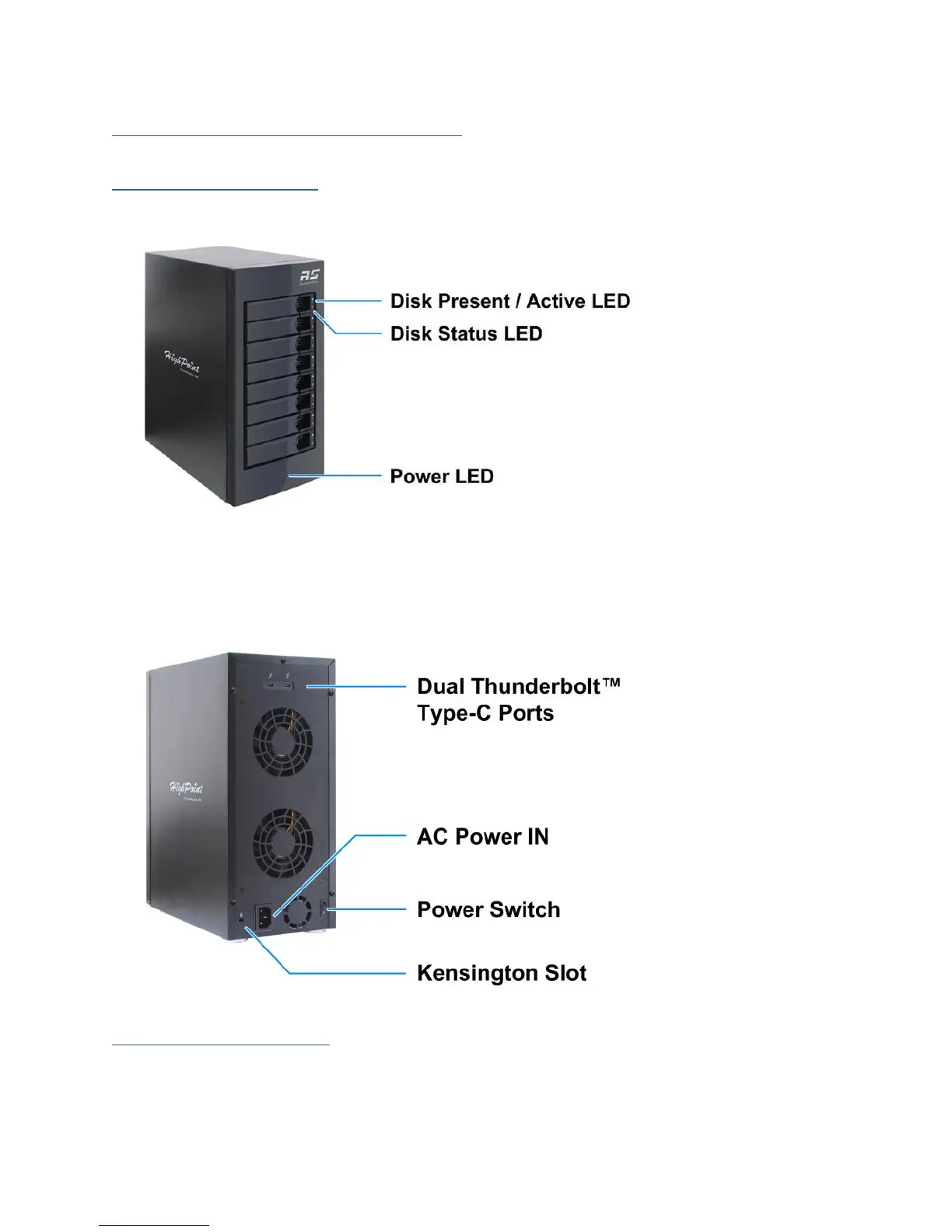
Panel Layout-Front View
Disk Present & Active LED: Solid/Flash Blue - HDD Access Indicator
Disk Status LED: Solid/Flash Red - Device Failure / Rebuilding Indicator
Power LED: Solid Blue - Power on Indicator
Panel Layout-Rear View
System Requirement
1. PC or Mac with a Thunderbolt™ Type-C Port
2. Windows 8 or later
3. Mac OS X 10.10 or later



 To Next Page