25
Viewing Storage Properties
1. Log into the HRM
2. Select the controller from drop down menu on the top left
3. Click Overview
Storage Properties
Total: the combined capacity of each physical disk connected to the controller.
Configured: the amount of space used for creating arrays
Free: total amount of unused space
RAID Array: total amount of the configured RAID array.
Logical Device: total amount of logical device.
Background Task: current running task.
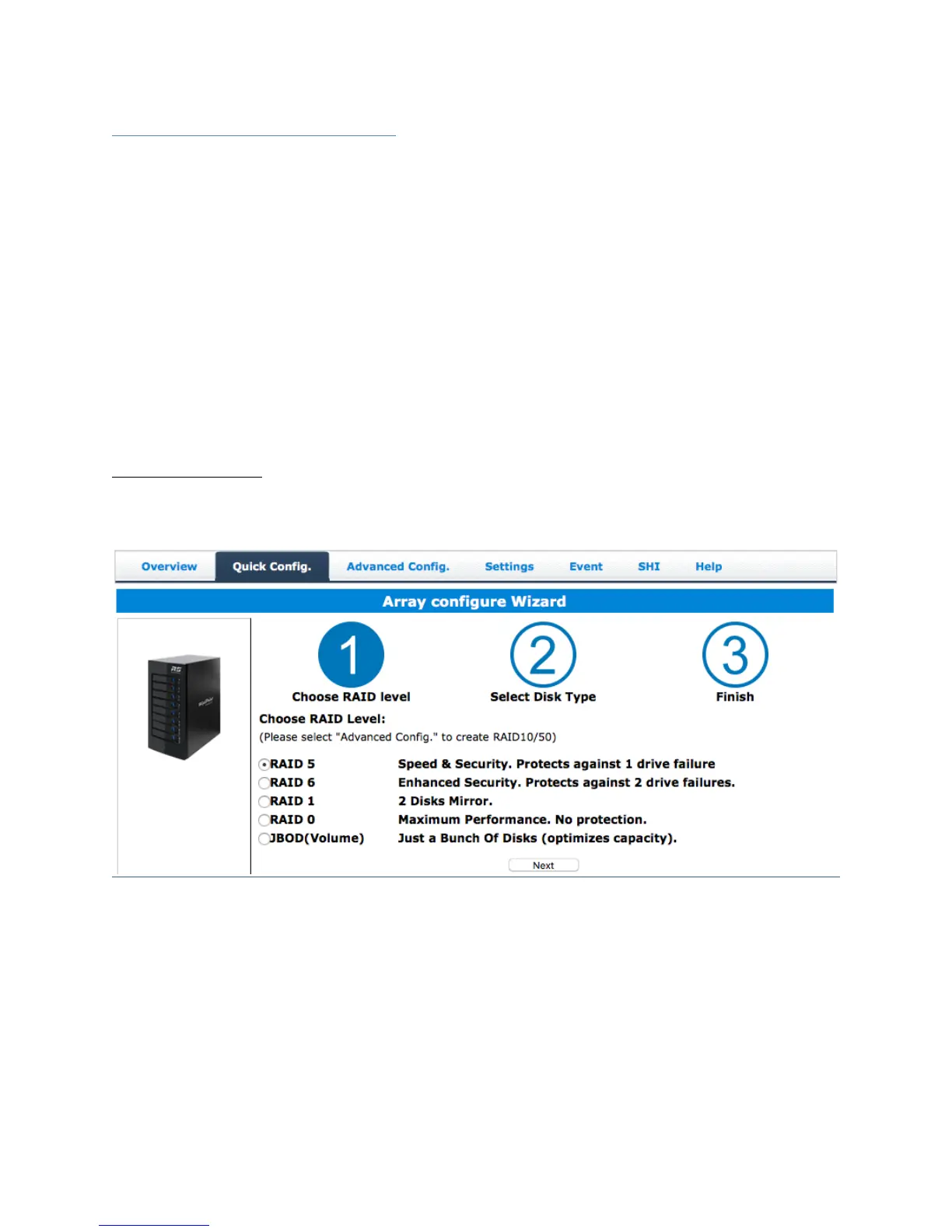
Quick Config.
Quick Config is the easiest and quickest way to configure RAID arrays. Follow
the on-screen instructions to configure your array.



 To Next Page