41
Password Settings
Changing your HRM password
Under Password Setting, type your new password, confirm it, and then click Submit.
Recovering your HRM password
If you wish to revert to the default password: hpt, delete the file hptuser.dat.
For Mac Users:
1. We recommend uninstalling HRM, then reinstalling –this will remove the password
requirement and allow you create a new one under the Setting tab.
For Windows Users:
1. Open file explorer
2. Navigate to C:/Windows/
3. Delete hptuser.dat
4. Reboot
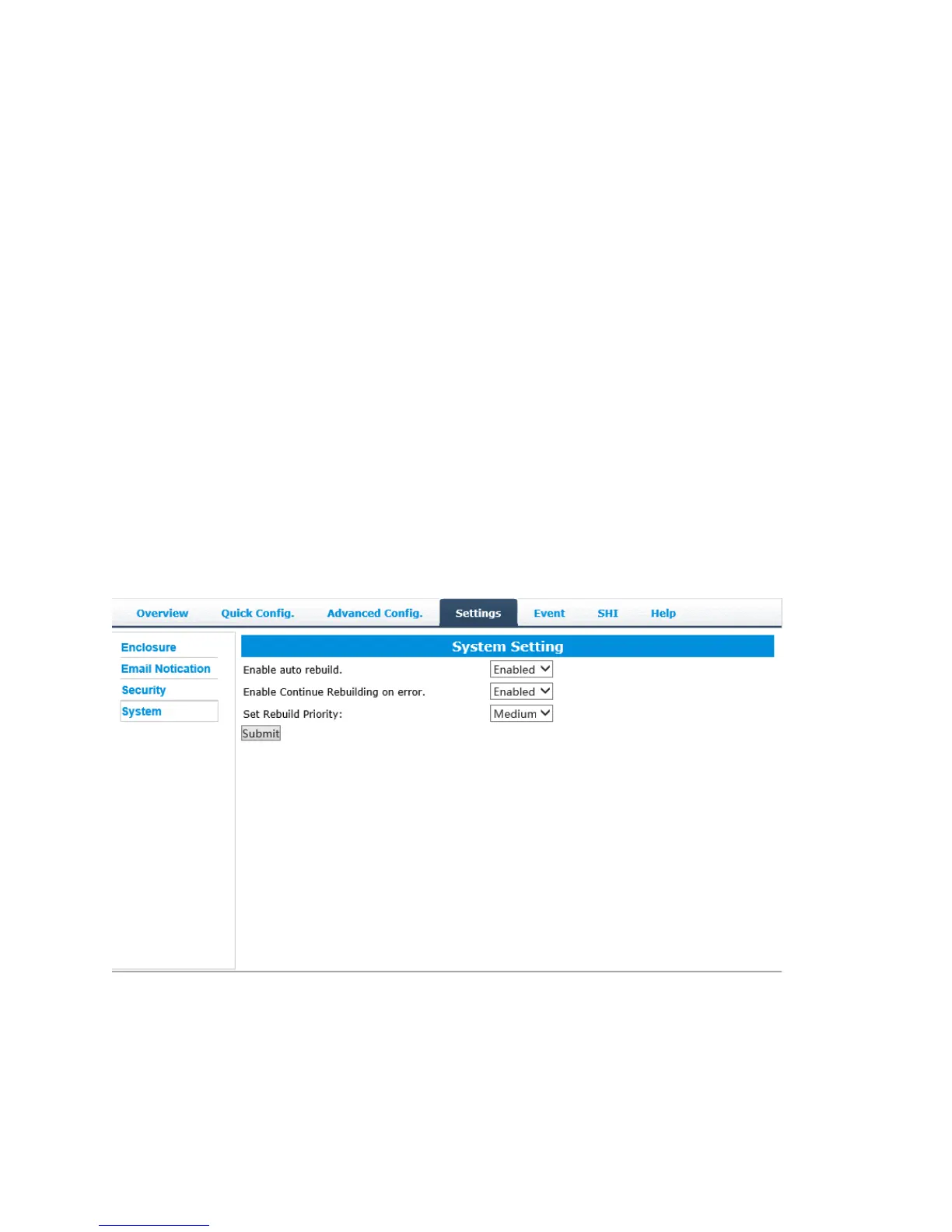
System Tab:
Enable auto rebuild (default: Enabled)
When a physical drive fails, the controller will take the drive offline. Once you re-
insert or replace the disk, the controller will not automatically rebuild the array
unless this option is enabled.



 To Next Page