40
The email will include the output recorded in the event log.
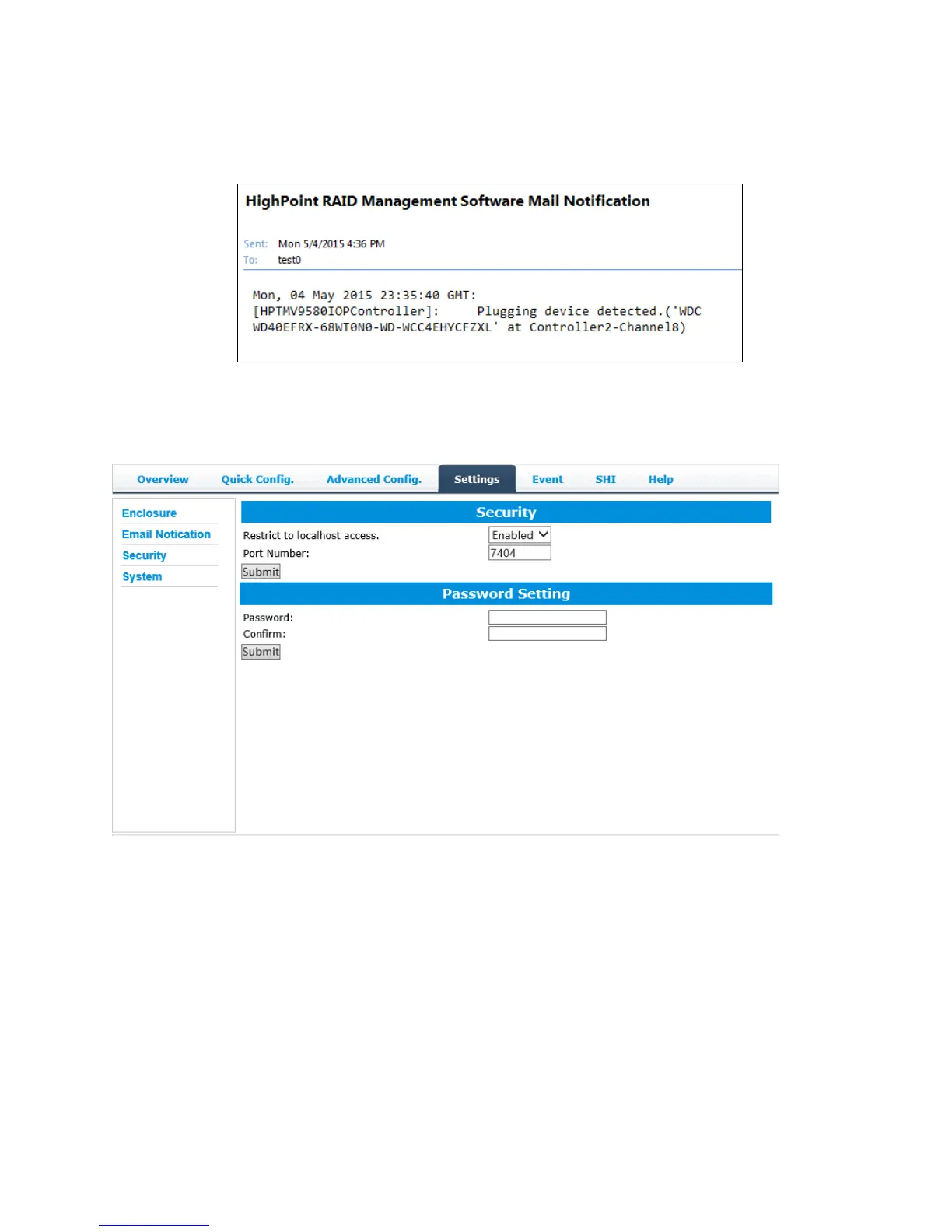
Example email message:
Figure 1. Example event log email
Security: Setting the HRM’s log in password, remote log in availability and the port
number.
Restrict to localhost access (default: Enabled)
Remote access to the controller will be restricted when enabled; other users in your
network will be unable to remotely log in to the HRM.
Port Number (default: 7404)
The default port that the HRM listens on is 7404. You may change it to any open port.



 To Next Page