47
Help
Online Help
Register Product
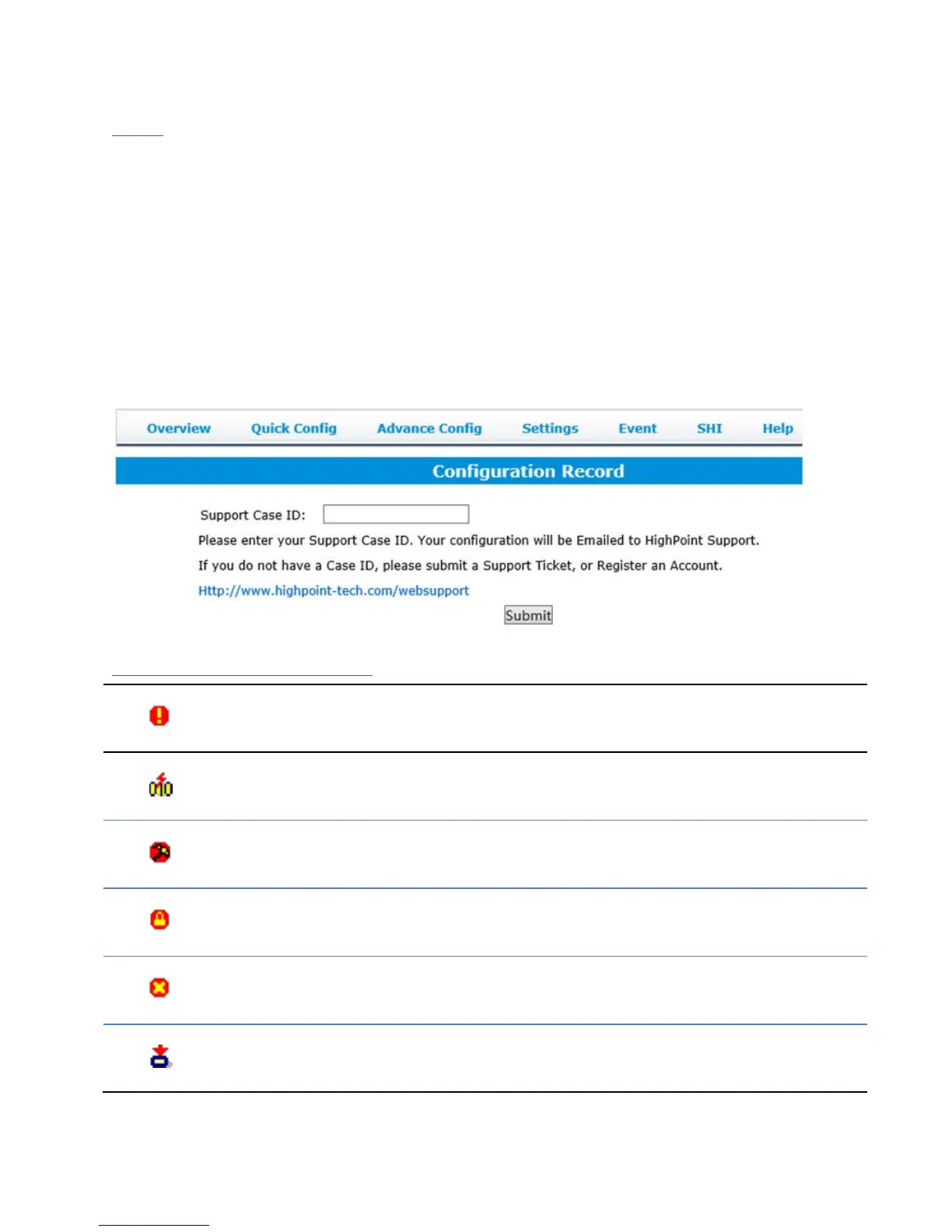
Configuration Record
Online Help redirects you to additional documentation concerning the HRM.
Register Product takes you to the HighPoint Online Web Support Portal. On this page
you can create a new customer profile where you can register your product, or post an
online support ticket
Configuration Record: collect the RocketStor’s storage information and send it to the
HighPoint support team.
It is required to register the product on HighPoint Web Support Portal and request the
support ID before submit the Configuration Record:
Table 1. HRM Icon Guide
Critical – missing disk
A disk is missing from the array bringing it to ‘critical’ status. The array is
still accessible but another disk failure could result in data loss.
Verifying
The array is currently running a disk integrity check.
Rebuilding
The array is currently rebuilding meaning you replaced a failed disk or
added a new disk to a ‘critical’ state array.
Critical – rebuild required
The array has all disks, but one disk requires rebuilding.
Disabled
The icon represents a disabled array, meaning more than one disk failed
and the array is no longer accessible
Initializing
The array is initializing. The two types of initialization are Foreground and
Background. (See Initialization)



 To Next Page