14
Updating the Drivers
1. Obtain the latest driver files for the RocketStor 6628A from http://highpoint-
tech.com/USA_new/series-rs6628A-download.htm
2. Open Windows Device Manager
3. Click Start
4. Click Control Panel
5. Click Hardware and Sound
6. Under Devices and Printers, Click Device Manager
7. Note: Alternatively, you can search Device Manager in your start menu search bar.
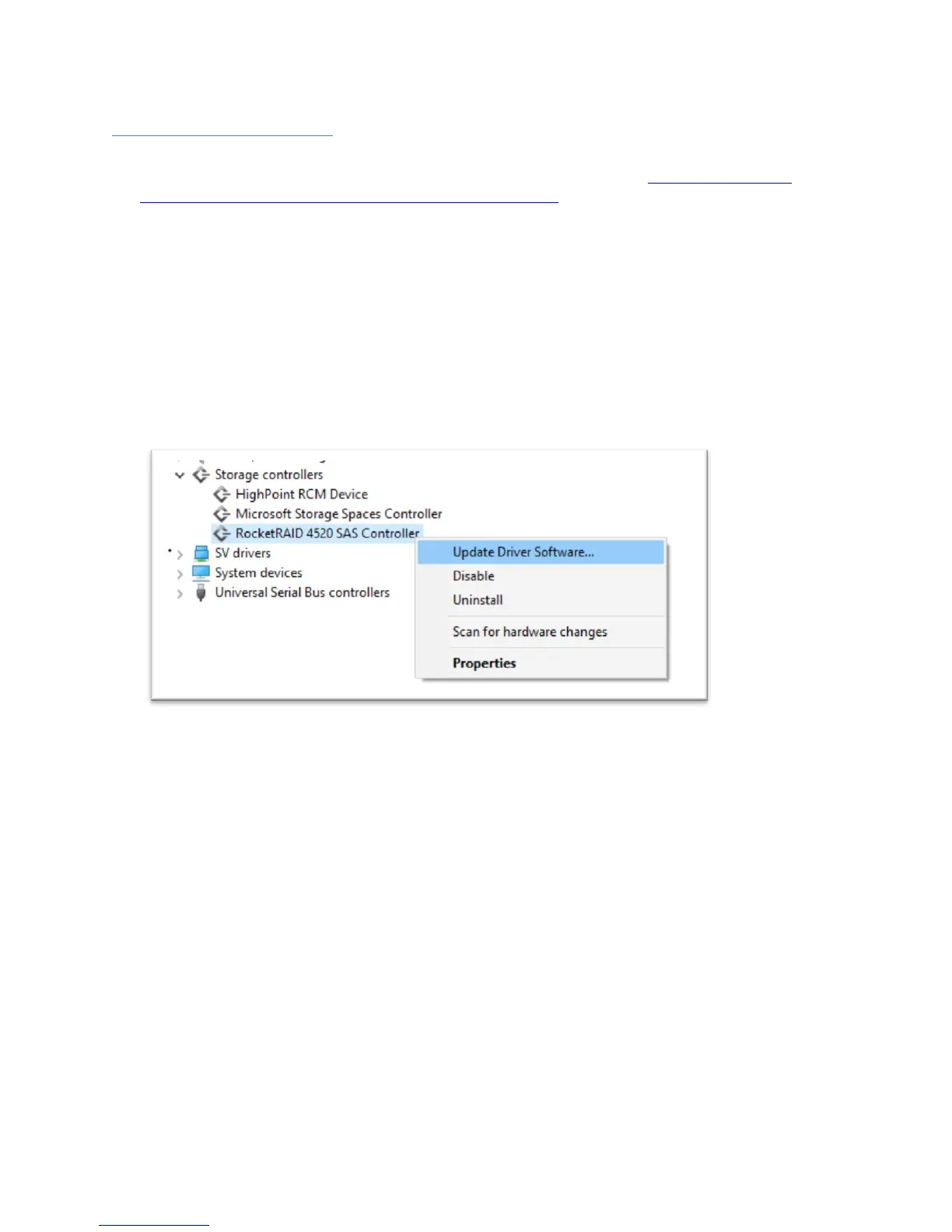
8. Click the Storage controllers tab
9. Right click RocketRAID 4520 Controller
10. Click Update Driver Software
11. Click Browse my computer for driver software
12. Select the driver files you downloaded
13. Click next
14. Reboot



 To Next Page