9
Enclosure Setup
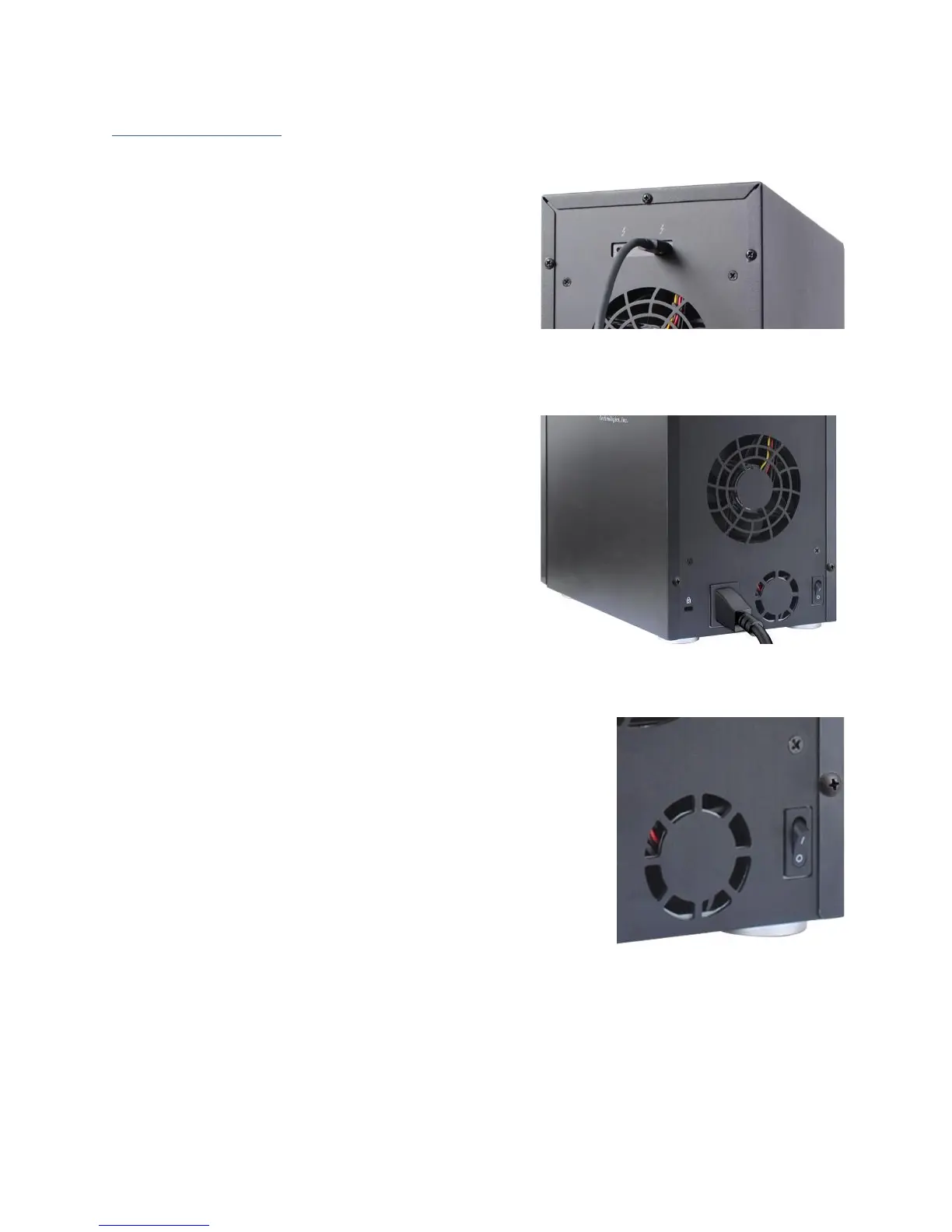
1. Connect the RocketStor 6628A to the host
system with the Thunderbolt™ cable, and
then connect the RocketStor 6628A to a
power source.
2. With the power cord connected to the power
source, turn on the RocketStor 6628A using
the power switch on the rear panel (switch to
the “I” position to power on the RocketStor
6628A).
3. RocketStor 6628A is designed to be powered on and
powered off simultaneously with the host system,
when the RocketStor 6628A is connected to the host
system with the Thunderbolt™ cable. Therefore, power
on the host system first – the RocketStor 6628A will
automatically power on.



 To Next Page