18
Formatting the RAID Volumes
After creating a RAID array, your operating system will recognize that array as a logical
disk. However, the array will not be accessible until it is formatted by the operating
system.
Format the volume when you have finished the following procedures:
Set up the Enclosure
Set up the RAID Controller
Installed Drivers
Created an Array
For Windows Users:
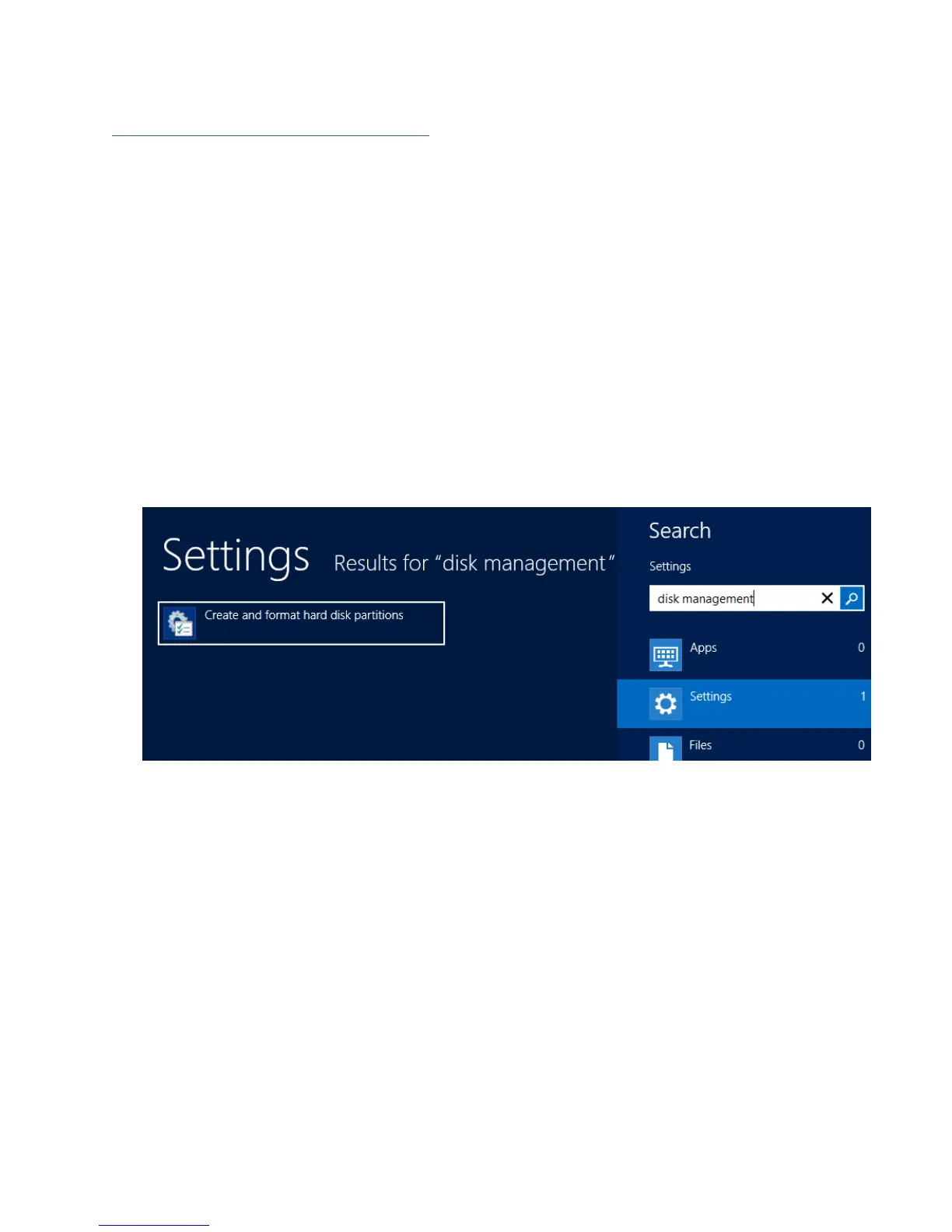
1. Use the Windows Search function and search for Disk Management. (Search results
may show Create and format hard disk partitions)
2. Alternatively, Go to Control Panel
3. Under Administrative Tools, click Create and format hard disk partitions
If you just created the array, a prompt will appear after clicking disk
management asking you to initialize the disk
MBR partition table is mainly for bootable drives and has a 2 TB limit. If your PC
motherboard uses legacy BIOS, you will most likely need to use MBR for
bootable drives.
GPT partition table has no capacity limit, but cannot be bootable unless your PC
motherboard contains UEFI firmware.



 To Next Page