39
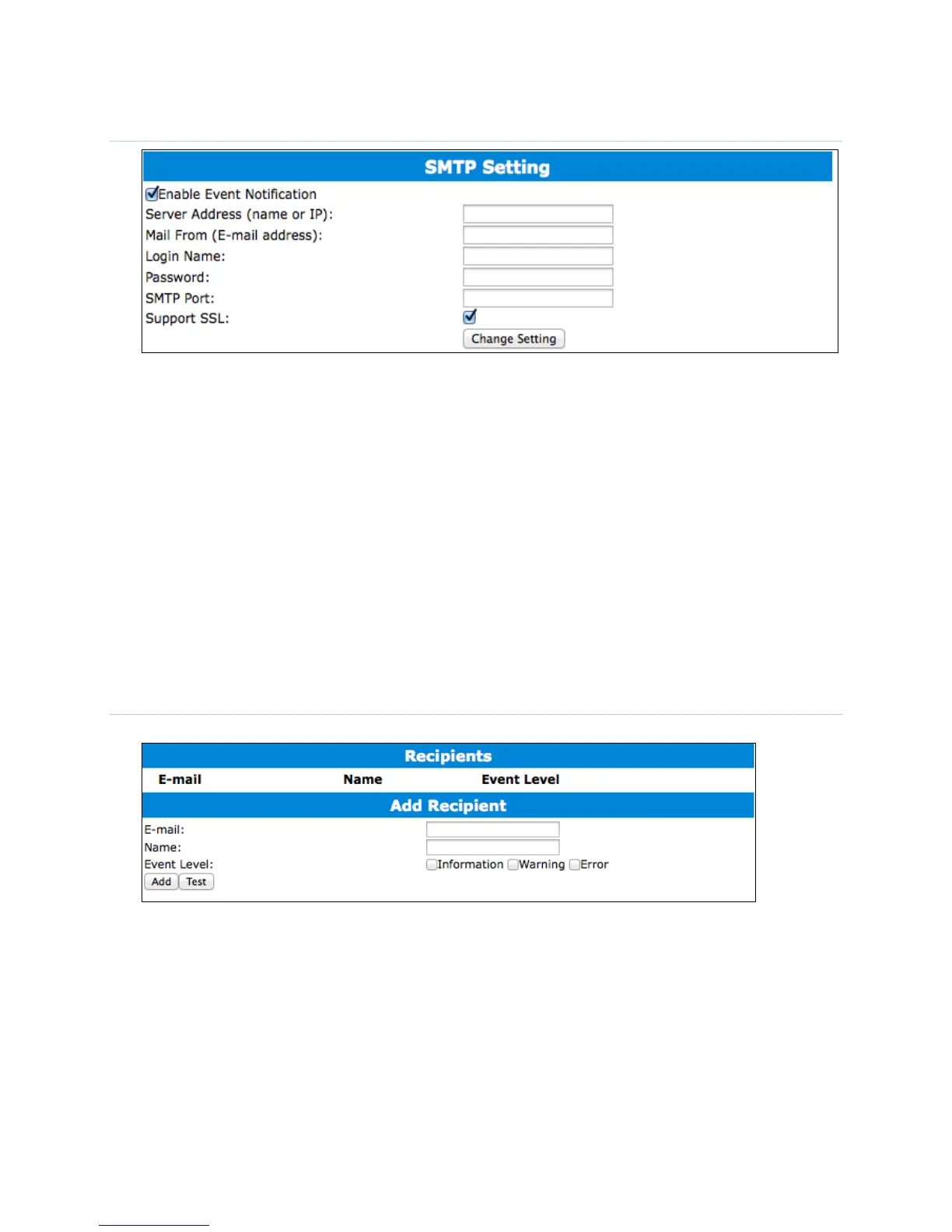
SMTP settings
To set up email alerts:
1. Check the Enable Event Notification box.
2. Enter the ISP server address name or SMTP name
3. Type in the email address of the sender (email account that is going to send the
alert)
4. Type in the account name and password of the sender
5. Type in the SMTP port (default: 25)
6. Check support SSL box if SSL is supported by your ISP (port value will change to
465).
Note: After you click Change Setting, the password box will become blank.
How to Add Recipients
You can add multiple email addresses as receivers of a notice.
1. Type the email of the recipient in the E-mail text box
2. Type the name of the recipient in the Name text box
3. Check which type(s) of events will trigger an email using the respective Event Level
check boxes.
4. (Optional) Click test to confirm the settings are correct by sending out a test email
5. Click add to add the recipient to recipient list
6. The added recipient will display in under Recipients



 To Next Page