22
Check to make sure the “Driver Installed” status for the RocketRAID 4520 SAS
Controller is “Yes”.
2. Install the HighPoint RocketStor RAID Manager (HRM) software.
1) Download the HRM from HighPoint Website:
http://highpoint-tech.com/USA_new/series-rs6628A-download.htm
1) Extract the package and double Click the Installation program to start installing
the HRM.
2) Follow the on-screen instructions to complete the installation procedure.
3. Running the HRM
1) After installation is complete, a HRM icon will be displayed on the desktop.
2) Double-click this icon to open the HRM.
Warning: Using the HRM to create RAID arrays will destroy all pre- existing data on
the selected disks. Make sure to backup any important data before using these disks to
create arrays.
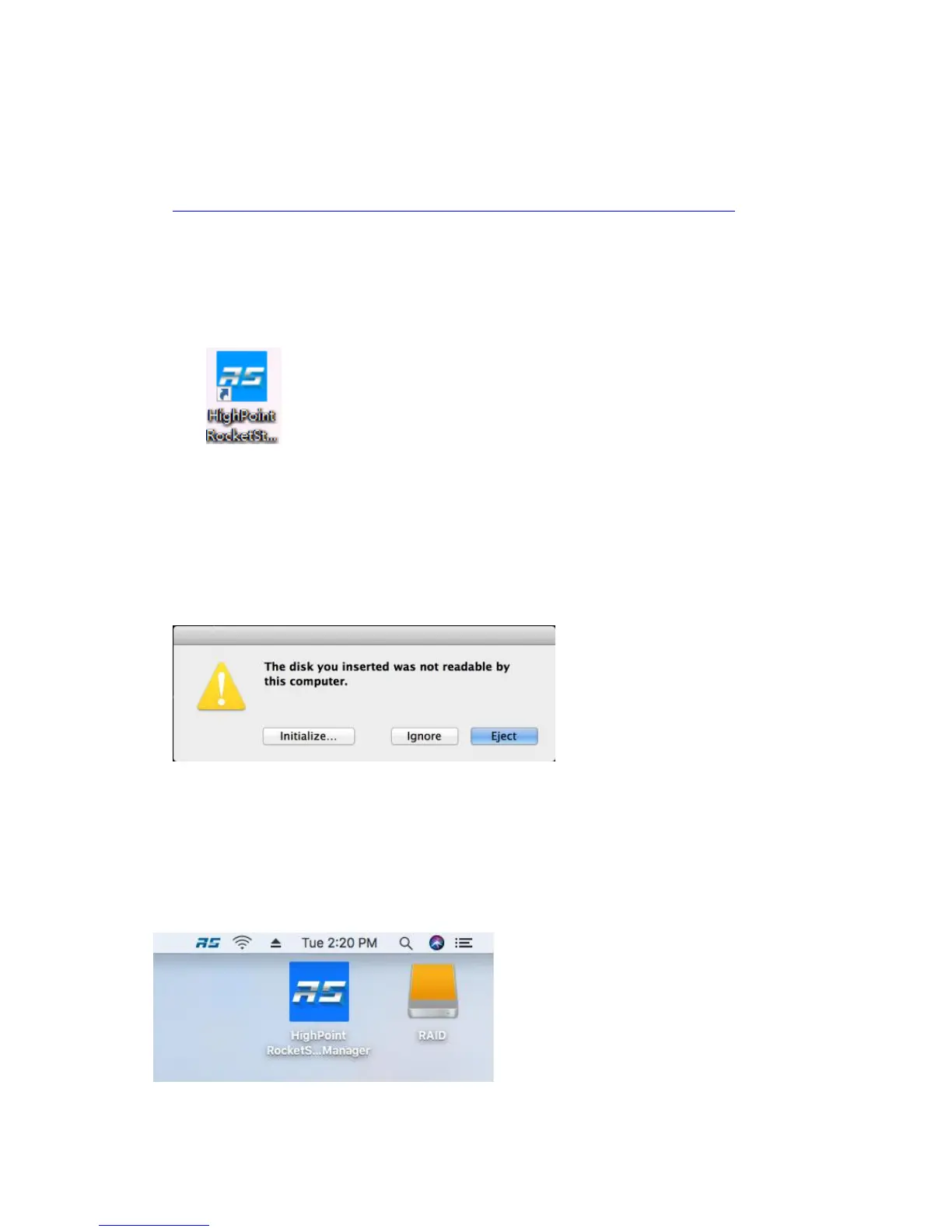
4. After the new RAID volume has been configured, OS X will display a pop-up
window.
Click the Initialize button to start Disk Utility. Select Erase to format the RAID
volume. After formatting, the RAID volume is ready for use.
Select the RAID volume that has been built, and select Erase on top, name the RAID
volume in the center part, and then select Erase on bottom right of the pane to
format the RAID volume.
5. After formatting, the RAID volume is ready for use.



 To Next Page