Network Camera User Manual
47
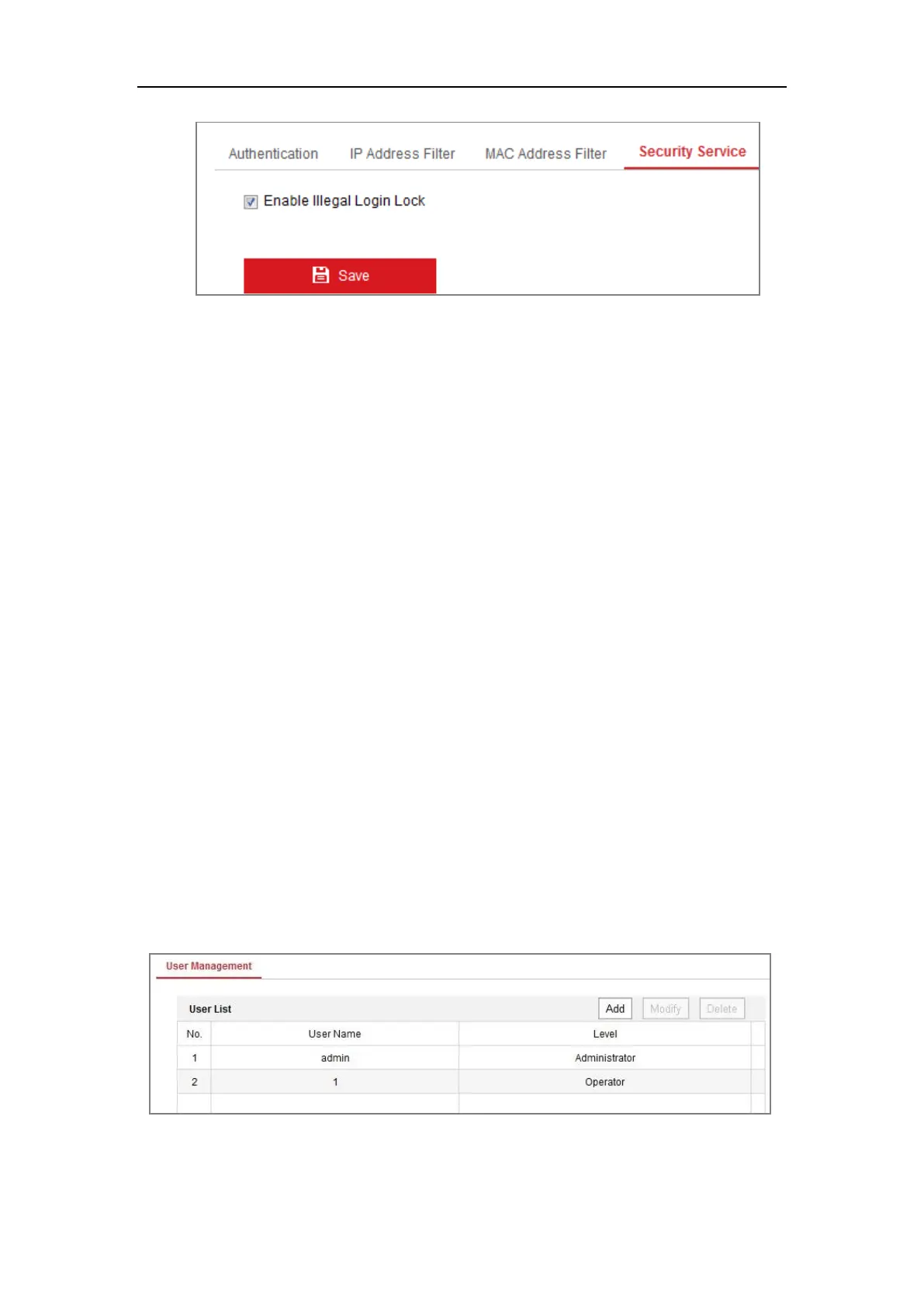
Figure 6-21 Security Service
2. Check the checkbox of Enable Illegal Login Lock, and then the IP address will
be locked if the admin user performs 7 failed user name/password attempts (5
times for the operator/user).
Note: If the IP address is locked, you can try to log in to the device after 30
minutes.
6.5 User Management
6.5.1 User Management
Purpose:
The admin user can add, delete or modify user accounts, and grant them different
permissions. We highly recommend you manage the user accounts and permissions
properly.
Steps:
1. Enter the User Management interface: Configuration >System >User
Management
Figure 6-22 User Management Interface
Adding a User


 To Next Page
 Loading...