81
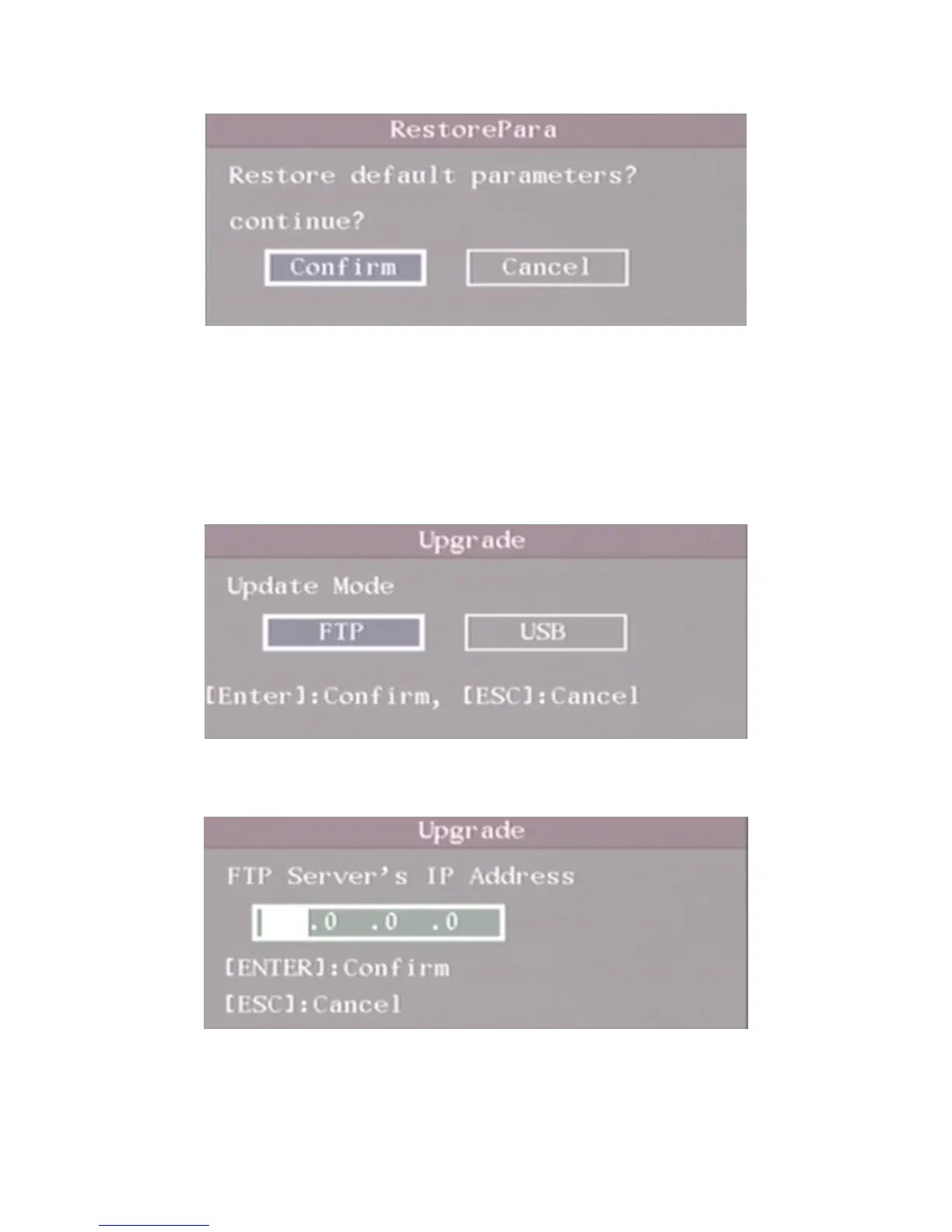
Fig 6.2 Restore parameters
6.2 Upgrade
You can use this function to upgrade the firmware. Please confirm the language is matched.
Press “Upgrade” icon, in the pop-up dialog, you can select either “FTP” or “USB” upgrade
mode. Shown as fig 6.3
Fig 6.3 Upgrade
If you select “FTP” mode, you will enter into “FTP Upgrade” menu:
Fig 6.4 FTP IP setup
Input the ftp server IP and press【ENTER】key. DVR will connect with FTP server through
network and download the firmware file.


 To Next Page
 Loading...