9
Chapter3 Operational Instructions
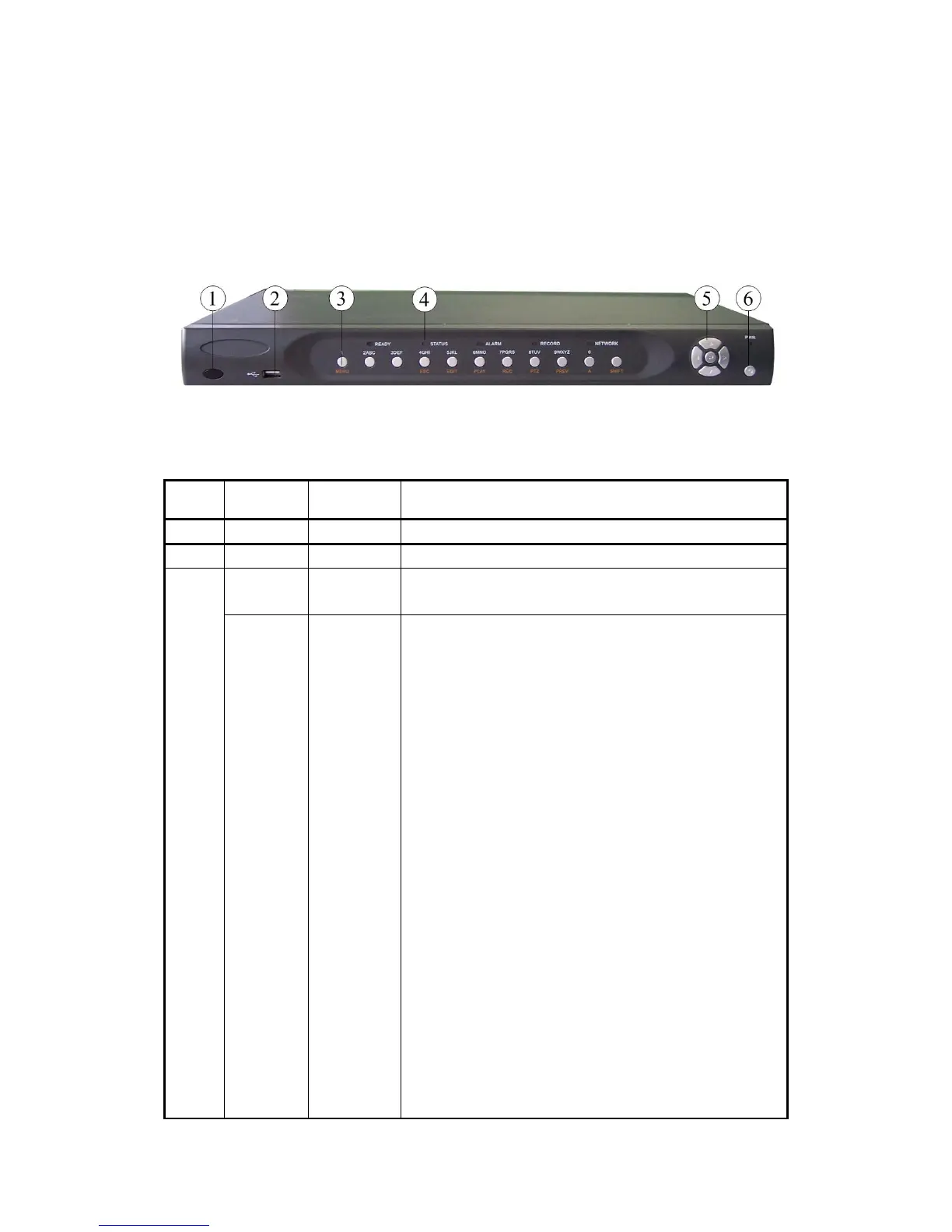
3.1 Front panel introduce
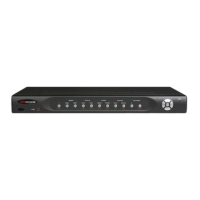
Fig 3-1 Front panel introduce
Form 3-1 Items on front panel
Index Type Name Description
1 Lamp IR receiver.
2 USB USB interface
Numeric
Keys
Input number, lower case, upper case character and
symbols.
3
Function
Keys
MENU
2
3
ESC
EDIT
PLAY
REC
PTZ
PREV
A
1. Switch preview mode into menu;
2. Brush control short key【WIPER】.
3. Press 【MENU】for more than 5 seconds to cancel
button beep sound.
【ZOOM-】in PTZ control.
【ZOOM+】in PTZ control.
Cancel and back to parent menu.
1. In edit state, delete the current cursor character;
2. 【IRIS+】in PTZ control;
3. Select 9 or × to enable or disable.
1. Local playback;
2. 【AUTO】in PTZ control.
1. Manual record;
2. 【SHOT】in PTZ control (adjust preset).
1. Enter into PTZ control mode;
2. 【IRIS-】in PTZ control..
1. Multi screen preview switch;
2. Switch menu mode into preview;
【FOCUS-】in PTZ control.
1. Input switch (number, lower case, upper case and
symbol);
2. 【FOCUS+】in PTZ control;


 To Next Page
 Loading...