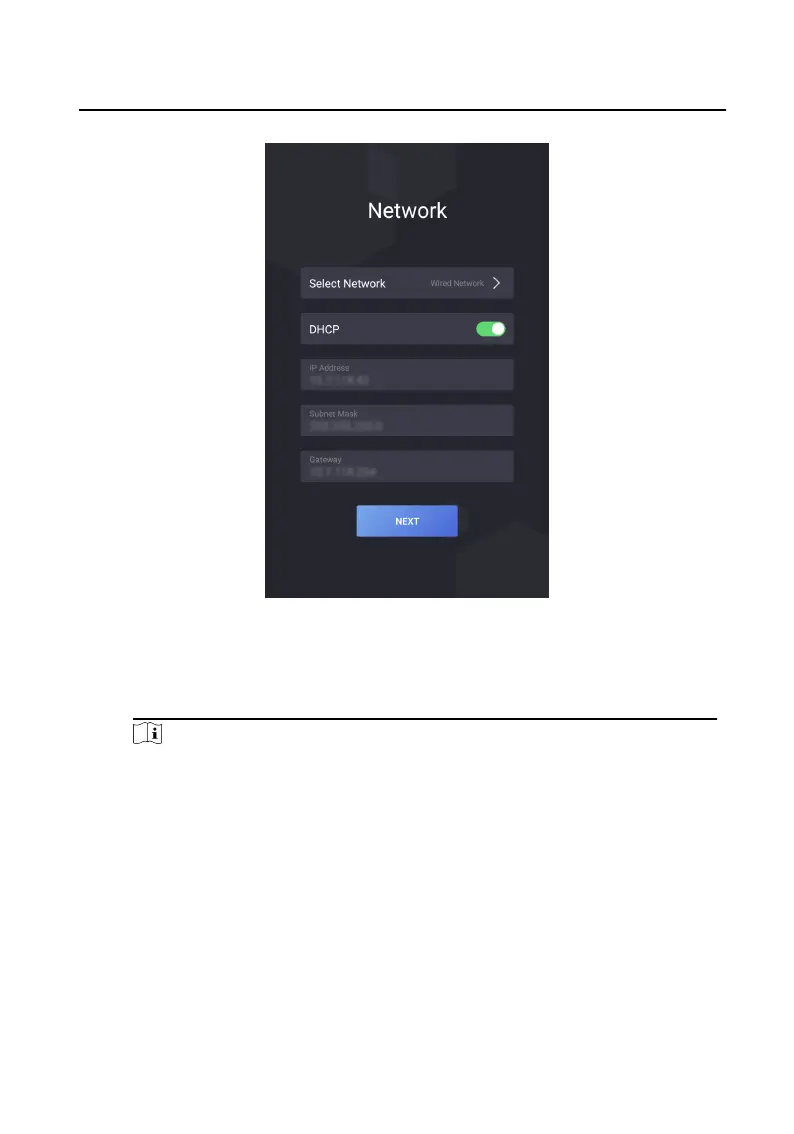
Figure 7-2 Network Parameters Sengs
3. Set password reset method and tap NEXT.
-
Enter the Reserved Email address, then you can reset the admin password by
email.
Note
On the security quesons sengs page, you can tap Change to Reserved Email
to modify the password reset method.
Video Intercom Face Recognion Door Staon User Manual
22



 To Next Page