Steps
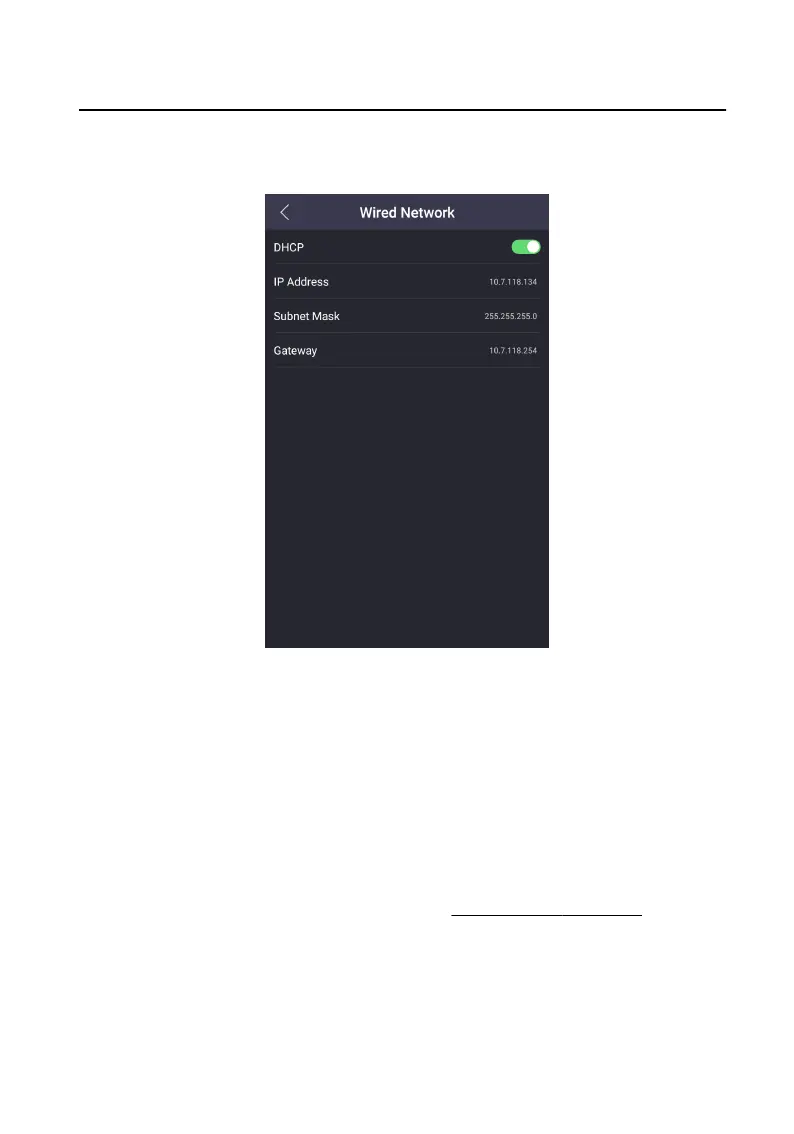
1. On the menu, tap Network → Wired Network to enter the sengs page.
Figure 7-8 Wired Network Sengs
2. Edit the wired network parameters.
-
Edit the wired network parameters manually.
-
Enable DHCP, and the system will get the parameters
automacally.
7.3.2 Cloud Service
Sengs
Enable the funcon, you can congure the device via mobile client remotely.
Before You Start
Authencate and enter the menu rst. Refers to Authencaon via Admin for
details.
Steps
1. On the menu, tap Network → Cloud Service to enter the sengs page.
Video Intercom Face
Recognion Door Staon User Manual
28












 To Next Page