7 Local Conguraon
7.1 Quick Conguraon
Aer acvang the device, the quick conguraon page will pop up automacally.
Steps
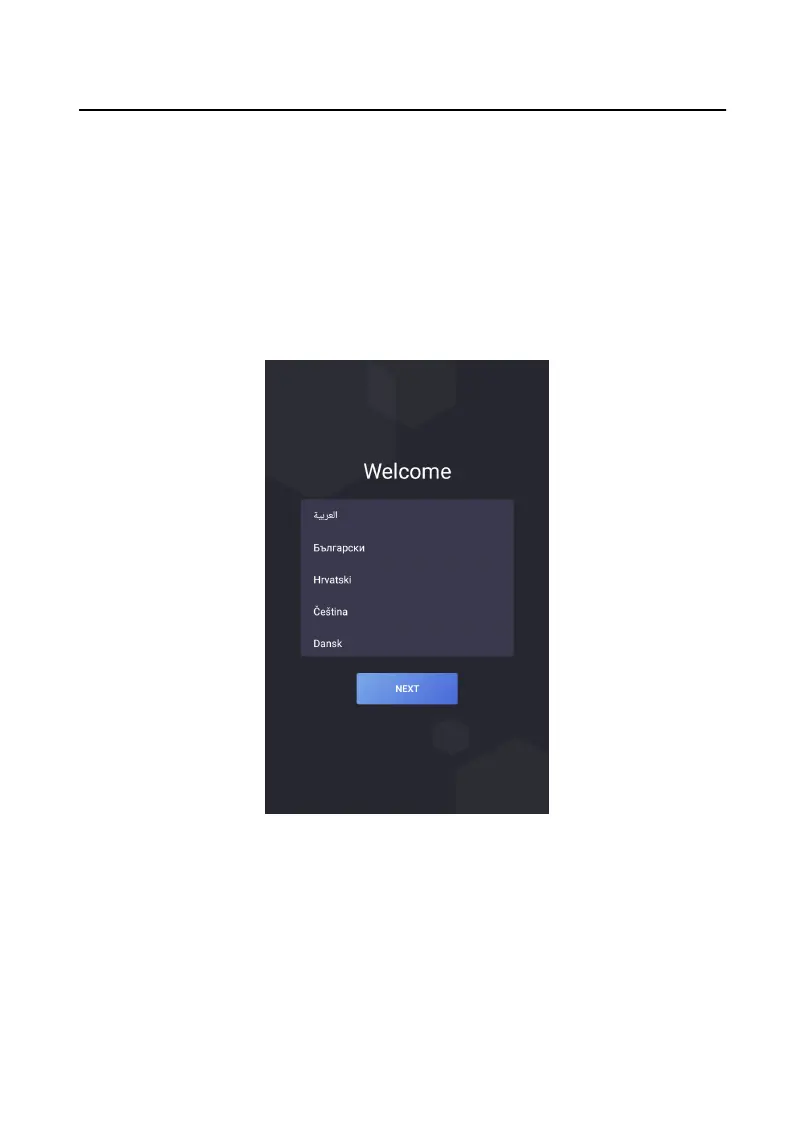
1. Select the system language and tap NEXT.
Figure 7-1 Select Language
2. Set network parameters and tap NEXT.
-
Set the IP address, Subnet Mask and Gateway manually.
-
Enable DHCP, the device will get network parameters
automacally.
Video Intercom Face
Recognion Door Staon User Manual
21



 To Next Page