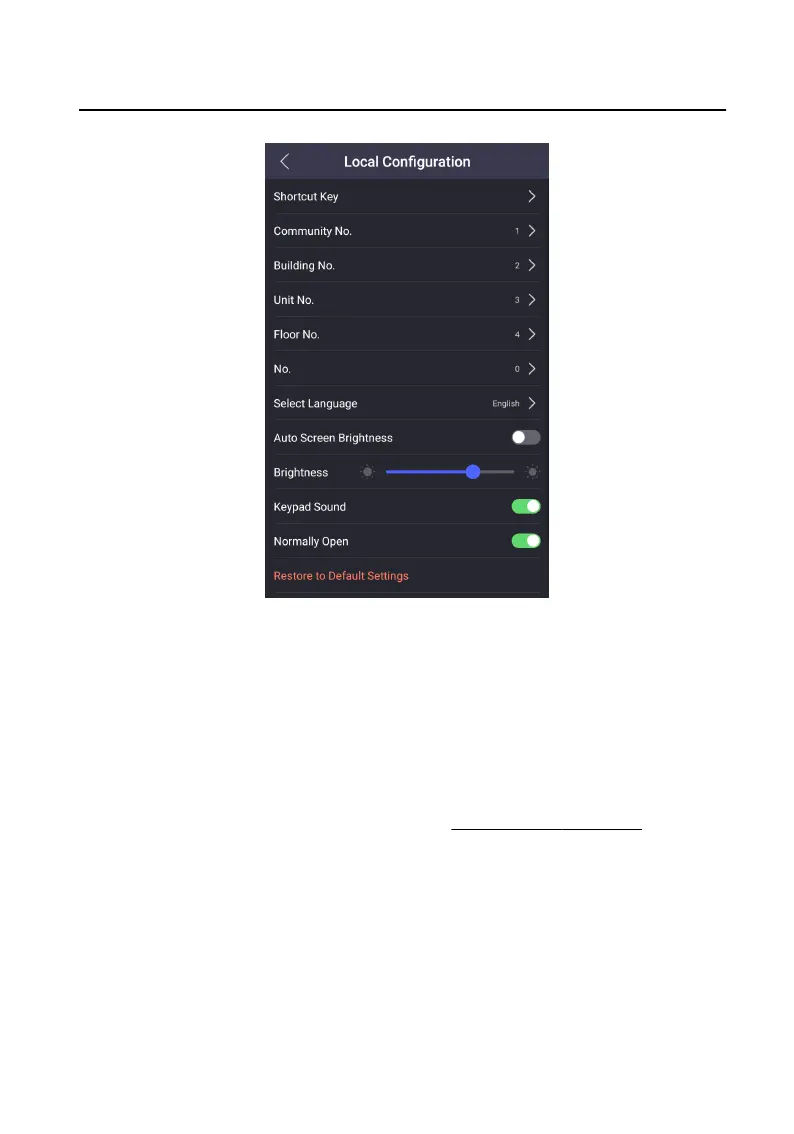
Figure 7-14 Local Conguraon
2. Adjust the brightness of the device.
-
Enable the Auto Screen Brightness, the device will adjust the brightness
according to the environment automacally.
-
Edit the number to adjust the brightness manually.
7.8.3 Keypad Sound
Sengs
Authencate and enter the menu rst. Refers to Authencaon via Admin for
details.
On the menu, tap Local Conguraon to enter the sengs page.
Slide to enable or disable the Keypad Sound.
7.8.4 Channel Mode
Sengs
Enable the funcon, the door stays open.
Video Intercom Face
Recognion Door Staon User Manual
35












 To Next Page