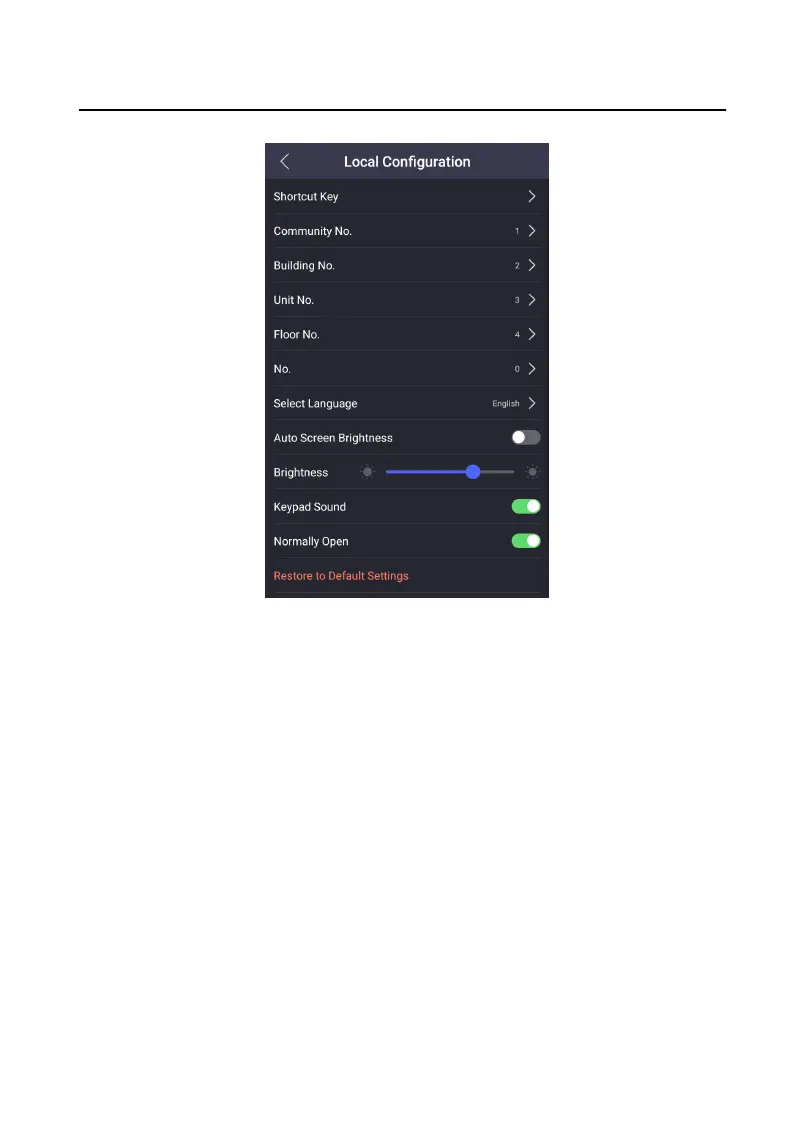
Figure 7-11 Local Conguraon
2. Tap Shortcut Key to select call mode.
Calling Menu
Select call mode as Calling Menu. On the main page, tap call
buon to enter
the calling page.
Call Specied Room
Select call mode as Call Specied Room and set the Specied Room No.. On
the main page, tap call buon to call the room you set.
Call Center
Select call mode as Call Center. On the main page, tap call
buon to call the
management.
3. Exit the page to enable the sengs.
7.7 Forget Admin Password
Video Intercom Face Recognion Door Staon User Manual
32












 To Next Page