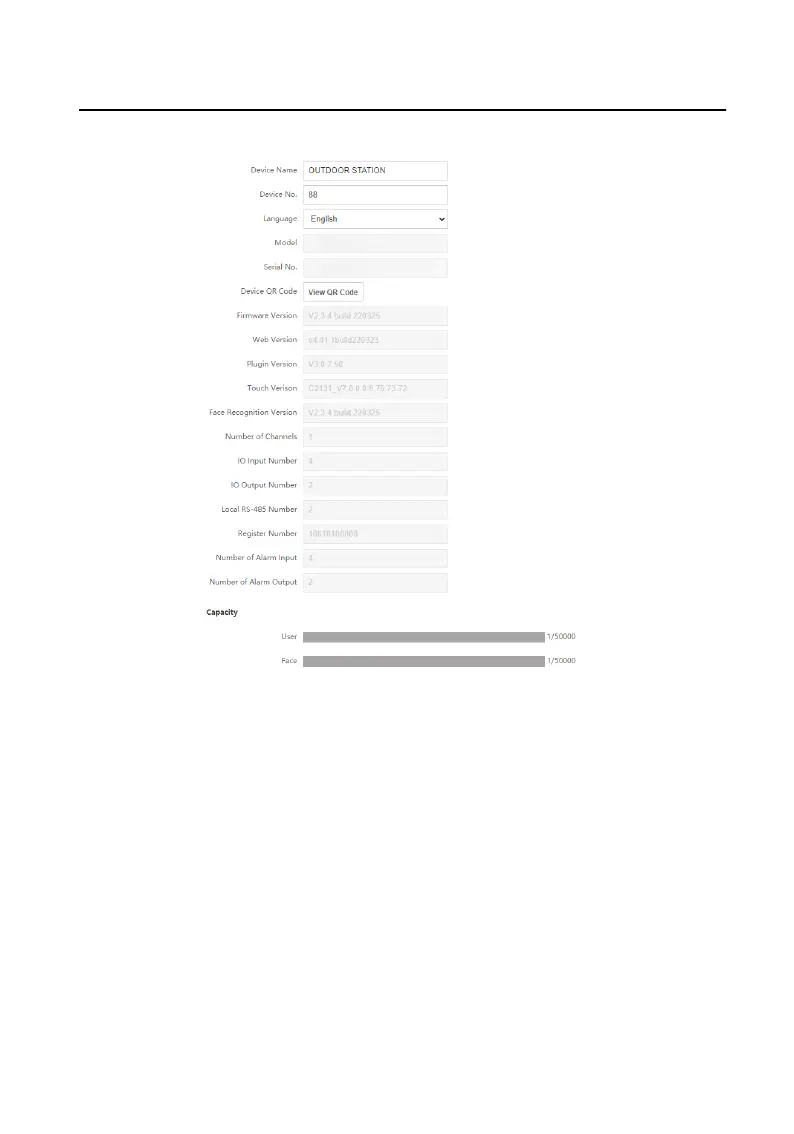
Figure 9-4 Basic Informaon
Click View QR Code, and you can use the mobile client to scan to add the
device.
You can view the quanes of added users, face pictures and cards in
Capacity.
Click Save to enable the
sengs.
Time Sengs
Click Time Sengs to enter the sengs page. Select the Time Zone of your
locaon from the drop-down list.
Video Intercom Face
Recognion Door Staon User Manual
50












 To Next Page