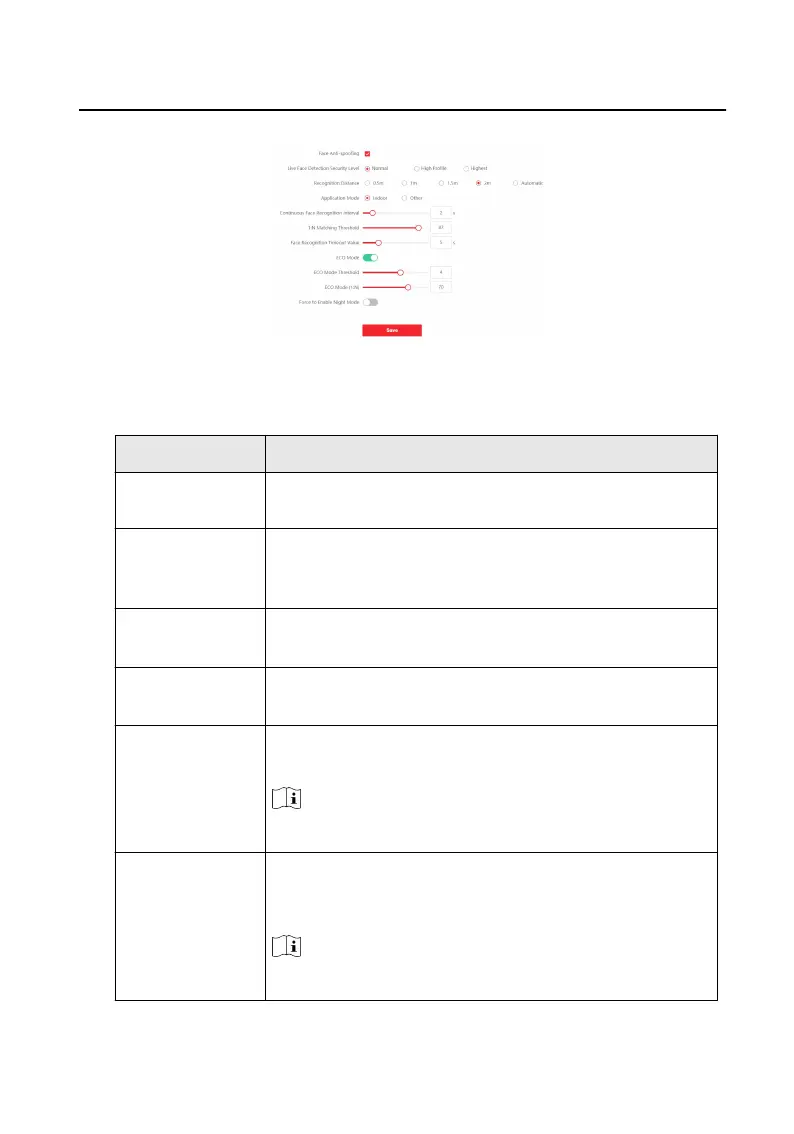
Figure 9-24 Smart Sengs
Table 9-1 Face Capture Advanced Parameters
Parameter Descripon
Face An-spoong
Enable face an-spoong to detect real people face for
recognion.
Live Face
Detecon Security
Level
Aer enabling face an-spoong funcon, you can set the
matching security level when performing live face
authencaon.
Recognion
Distance
Set the valid distance between the user and the camera
when authencang.
Applicaon Mode Select either others or indoor according to actual
environment.
Connuous Face
Recognion
Interval
The me interval between two connuous face
recognions when authencang.
Note
You can input the number from 1 to 10.
1:N Matching
Threshold
Set the matching threshold when authencang via 1:N
matching mode. The larger the value, the smaller the false
accept rate and the larger the false rejecon rate.
Note
You can input the number from 1 to 99.
Video Intercom Face Recognion Door Staon User Manual
72












 To Next Page