Buon Descripon
●
Hold under the manual focus mode to make near objects
become clear and distant objects become vague.
●
Hold to make distant objects become clear and near
objects become vague.
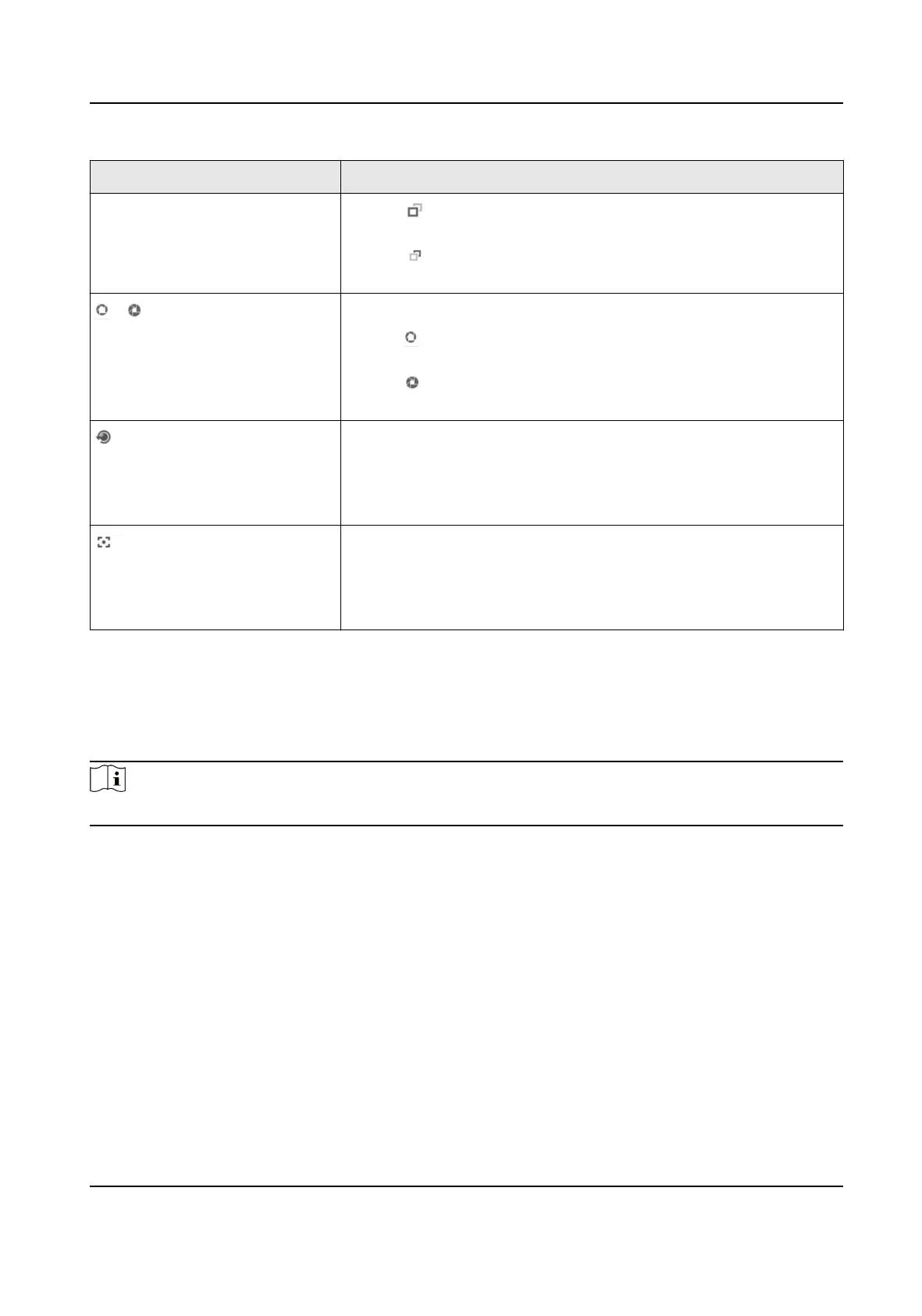
/ Iris + and Iris –
●
Hold to increase the iris diameter when in a dark
environment.
●
Hold
to decrease the iris diameter when in a bright
environment.
Lens Inializaon
It is applicable to devices with motorized lenses. You can use this
funcon when overcoming image blurs caused by overme
zooming or focusing.
Auxiliary Focus
It is applicable to devices with motorized lenses. Use this
funcon to focus the lens automacally and make images
become clear.
2.3 Local Conguraon
Go to Conguraon → Local to set the live view parameters and change the saving paths of videos,
captured pictures, scene pictures, etc.
Note
The parameters vary with dierent models. The actual device prevails.
Network Trac Camera Operaon Manual
8



 To Next Page
 Loading...







