5.
Oponal: Repeat step 3 and 4 to draw more privacy mask areas.
Note
Up to four privacy mask areas are supported.
6.
Click Save.
5.6 Set OSD
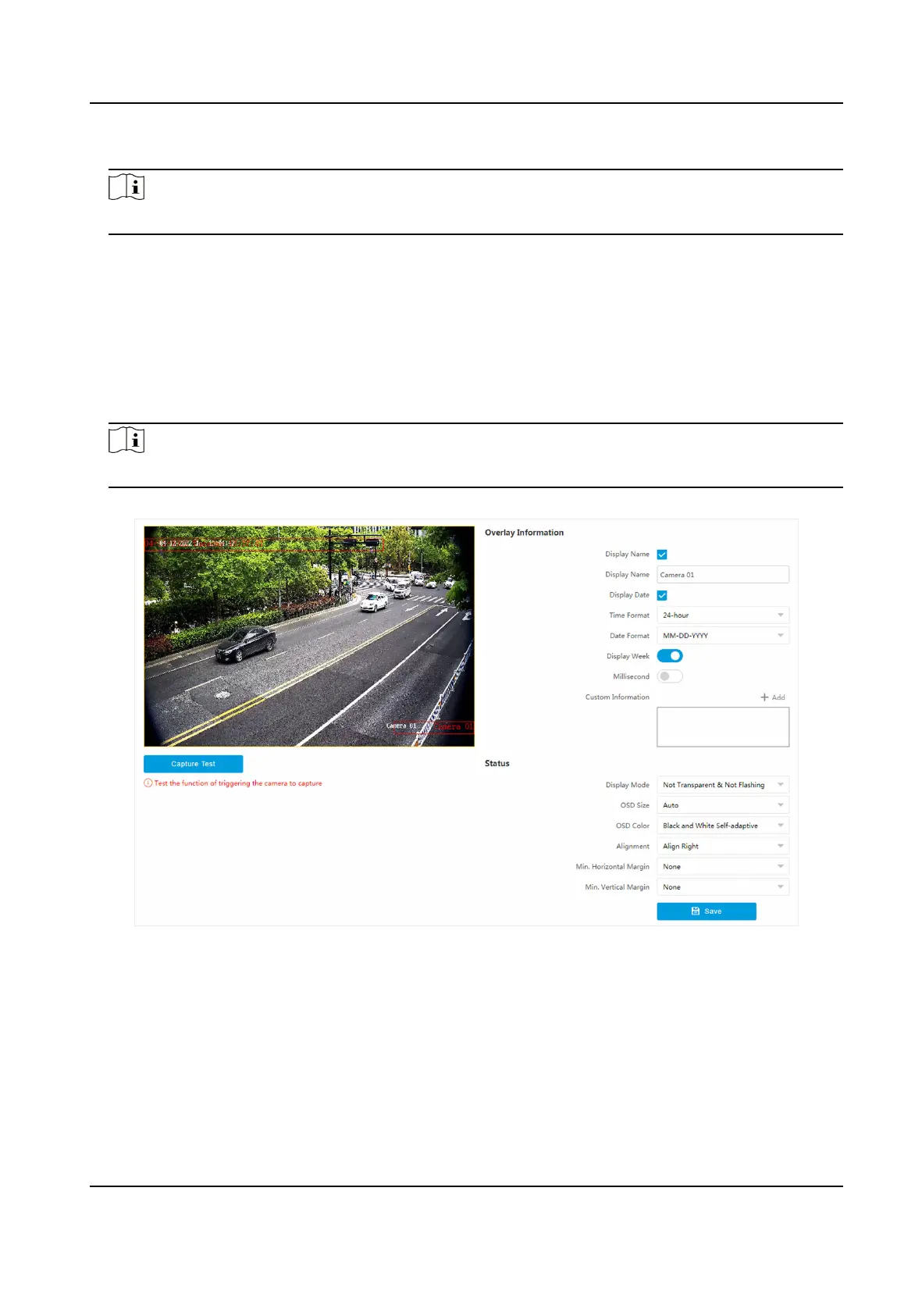
You can customize OSD informaon on the live view.
Steps
1.
Go to
Conguraon → Video → Text Overlay on Video → Text Overlay on Video .
Note
The supported funcons vary with dierent models. The actual device prevails.
Figure 5-4 Set OSD
2.
Set display contents.
1) Check Display Name.
2) Enter Display Name.
3) Check Display Date, and set the
me and date format.
4) Enable Display Week or Millisecond according to your needs.
3.
Oponal: Click Add and enter informaon if you want to add custom informaon.
Network Trac Camera Operaon Manual
29



 To Next Page
 Loading...







