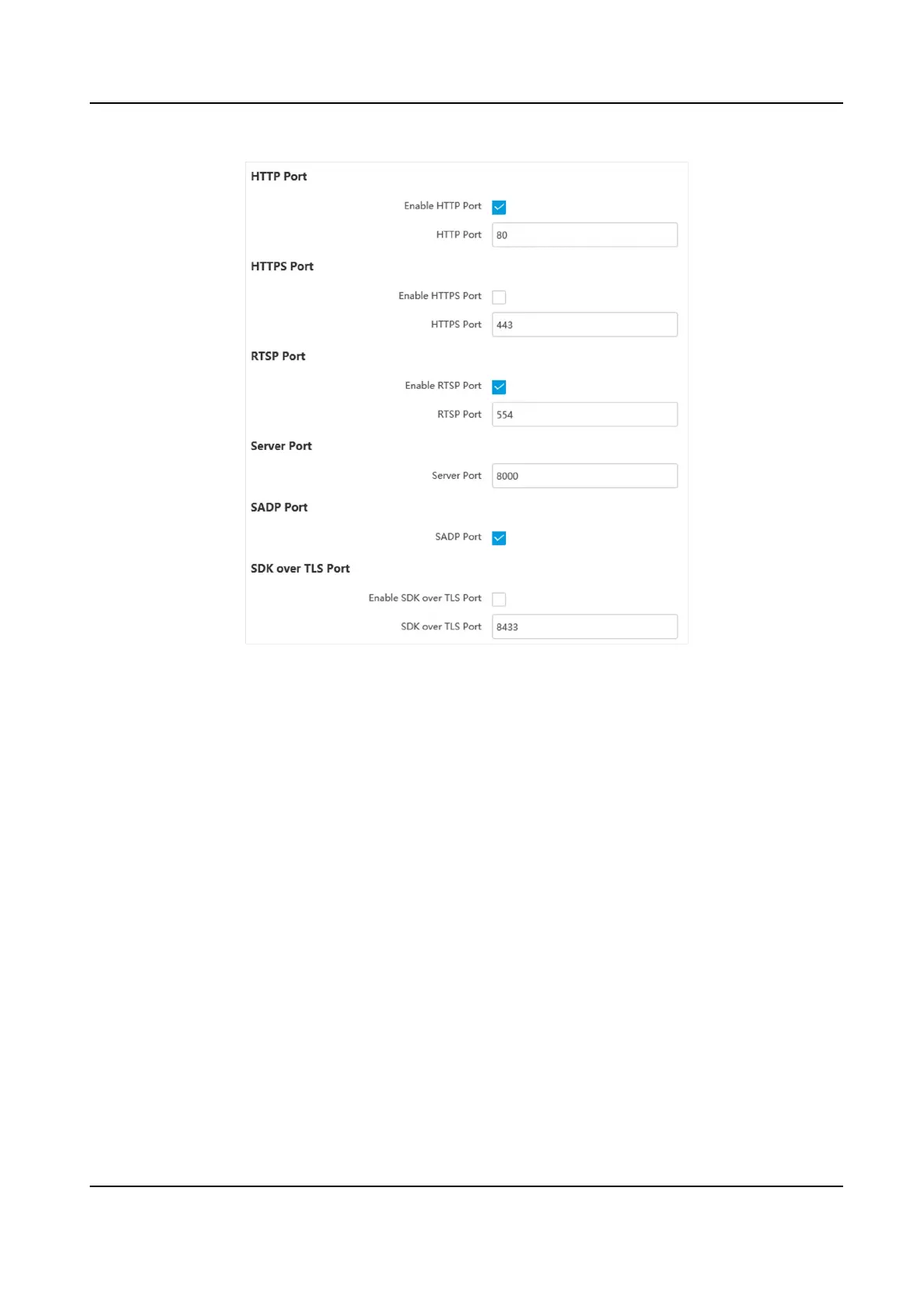
Figure 6-6 Set Port
HTTP Port
It refers to the port through which the browser accesses the device. For example, when the
HTTP Port is
modied to 81, you need to enter hp://192.168.1.64:81 in the browser for login.
HTTPS Port
It refers to the port through which the browser accesses the device, but cercate vericaon is
needed.
RTSP Port
It refers to the port of real-me streaming protocol.
Server Port
It refers to the port through which the client adds the device.
SADP Port
It refers to the port through which the SADP soware searches the device.
SDK over TLS Port
It refers to the port that adopts TLS protocol over the SDK service, to provide safer data
transmission.
Network Trac Camera Operaon Manual
39



 To Next Page
 Loading...







