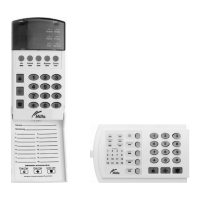
EXIT MODE – EXTEND EXIT TIMER
Exit mode is used when you have already armed your Security System, but need to extend
your exit time. Pressing the exit button will re-start your exit time, but you may only press
Exit button twice. The code pad will beep faster in the last ten (10) seconds as a warning.
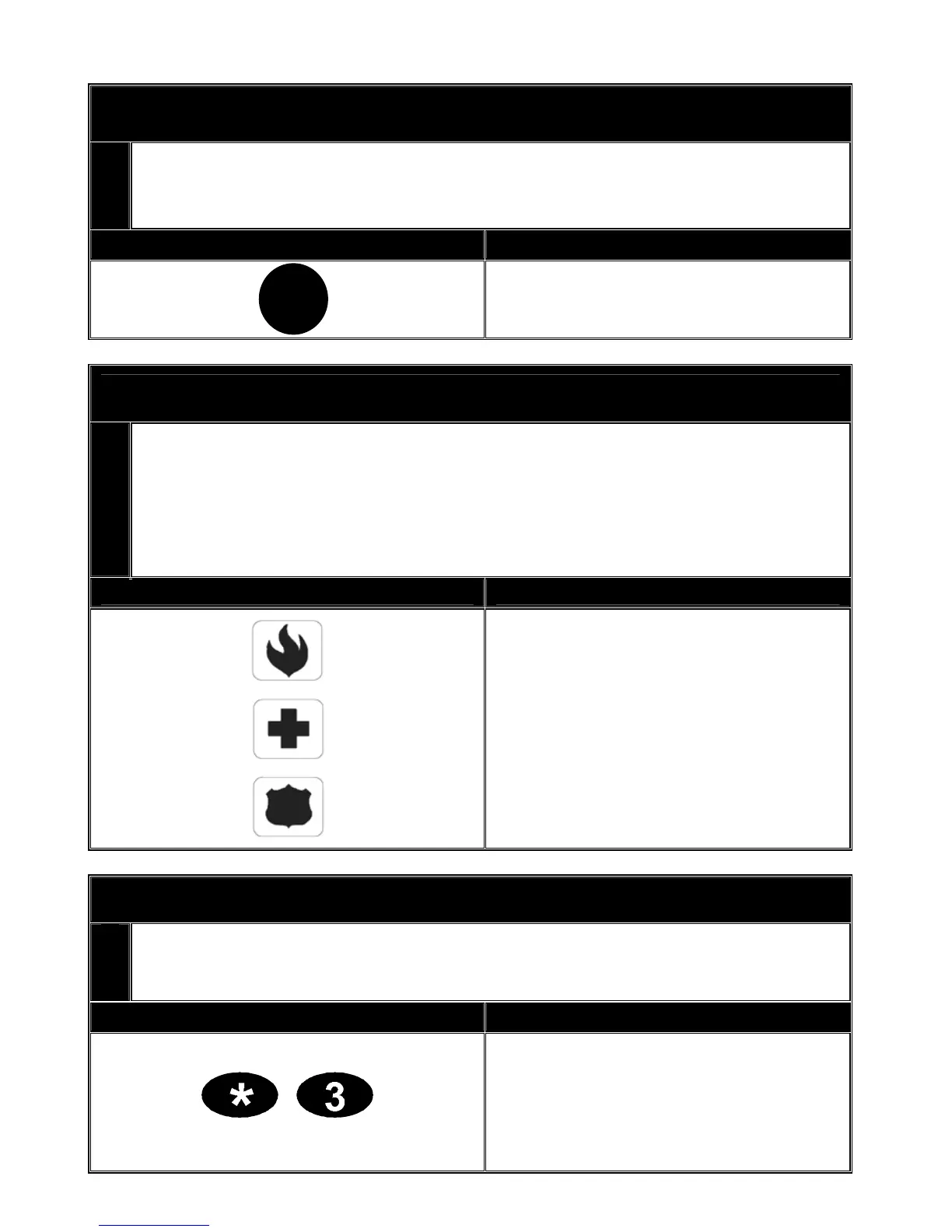
Key Sequence Operation
Press [Exit] key to extend the exit
time.
Code Pad Emergency Keys
Three (3) emergency features are available to be programmed into your code pad to provide
support in the areas of personal safety: Medical, Police (duress) and Fire arm. You must
hold these keys for two (2) seconds to activate these functions. You should press these
keys only in an emergency situation that requires response by emergency personnel.
Check with your security installation company to find out if your system is programmed for
these activation keys.
Key Sequence Operation
Press this key and hold for two (2)
seconds to activate the fire alarm.
Press this key and hold for two (2)
seconds to activate the
medical/auxiliary alarm.
Press this key and hold for two (2)
seconds to activate the police/duress
(panic/hold-up) alarm.
VIEWING ALARM MEMORY
Whenever an alarm activation occurs on your system all zones that were in alarm during that
activation will be held in memory. The last alarm activation can be reviewed via the function
listed below. I.e. You can see which area has activated the alarm.
Key Sequence Operation
The alarm memory feature will flash
those zone/s that created alarms and
will light steady the zones that were
bypassed during the last alarm.
EXIT
V2.02
Page 14


 To Next Page